Your inbox is full of “can you do Tuesday at 3?” threads, your calendar has three near-miss double bookings, and someone on the team is still copying times between email, CRM notes, and a shared spreadsheet. That's usually the moment a simple booking link stops feeling simple. Booking is also where good outreach most often falls apart, which is why a sales engagement platform treats live availability as part of the conversation rather than a follow-up email. An appointment scheduling calendar has to act like an operating system for meetings, not a decorative widget sitting on a landing page.
Why Appointment Scheduling Is No Longer Optional
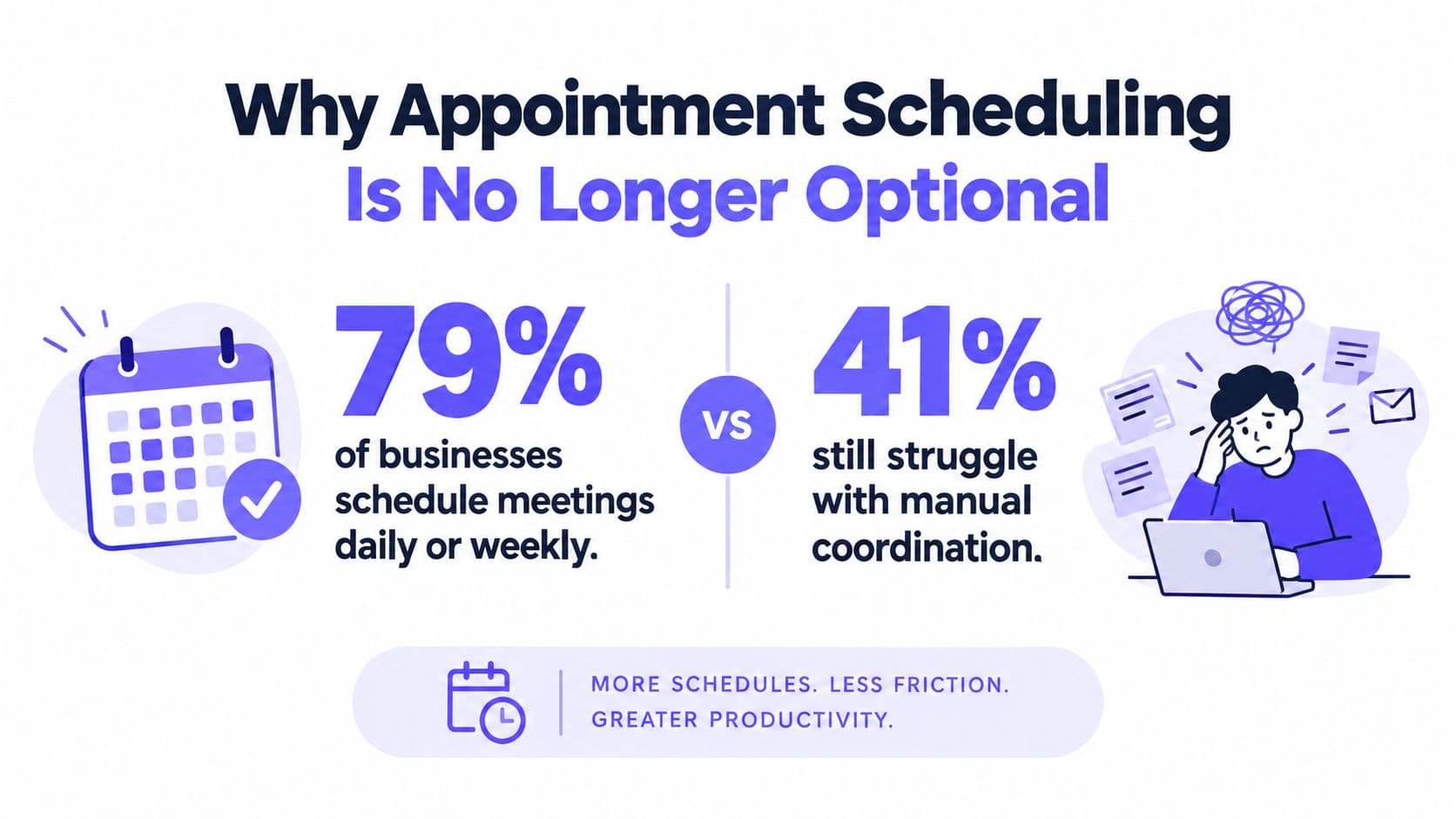
A booking request can sit in email for hours while a lead moves on. In a 2025 survey of 1,733 working people, 79% of businesses scheduled meetings daily or weekly, yet 41% of small and medium-sized businesses still struggled with back-and-forth coordination and 40% said it took more than one hour to schedule appointments through email, with 23% taking more than six hours Zoho Bookings survey.
The hidden cost of “just email me”
The bigger issue is channel sprawl. The same survey found that roughly 73% of respondents still used email and 52% used phone calls to arrange meetings with leads or customers. Those handoffs split the work across disconnected conversations, which makes response-time control harder and leaves follow-up vulnerable to delays.
A strong appointment scheduling calendar fixes that by becoming the place where availability, outreach, and follow-up meet. It should reduce coordination overhead, not just display open slots. When a lead, customer, or patient books, the system needs to capture the interaction as a record instead of leaving it buried in someone's inbox.
Practical rule: if a booking can happen in email, phone, SMS, and CRM comments at the same time, you do not have a workflow. You have a cleanup job.
Operationally, that matters because meetings are not random events. They are recurring sales, service, consultation, and support actions. Teams that connect calling, messaging, CRM records, and live calendar availability stop retyping the same information three times and start using one source of truth.
What the calendar should replace
A real scheduling system should replace manual handoffs, stale availability, and the “I thought someone else answered that lead” problem. It also needs to fit the way teams work, with inbound booking, outbound follow-up, and shared calendars under one roof.
That is what turns a personal time tool into an operational booking engine.
Choosing the Right Scheduling Platform
Pick the platform by looking at the handoffs it removes, not the features it advertises. If your team already uses Google Calendar or Microsoft 365, the scheduler has to sync live availability in both directions, or the whole system will drift as soon as someone blocks time manually. If your team also calls leads and sends SMS, the calendar should sit inside that same workflow instead of living beside it.
What to check before you commit
Start with the core integration path. The tool should connect to your primary calendar, respect working hours, and keep booked meetings from reappearing as available. It should also support buffers, minimum notice, and shared-team routing so reps don't book over lunch, travel time, or another active conversation.
Use this quick filter:
- Live calendar sync: The tool should show real-time availability, not a cached version of yesterday's schedule.
- Unified outreach: Calls, texts, and booking should share the same activity timeline, so no one loses context.
- Shared ownership: Round-robin or team booking matters when more than one person can take the meeting.
- Compliance controls: Outreach should check permissions and suppression rules before a message or call goes out.
- Audit visibility: If a booking changes, the system should record who changed it and when.
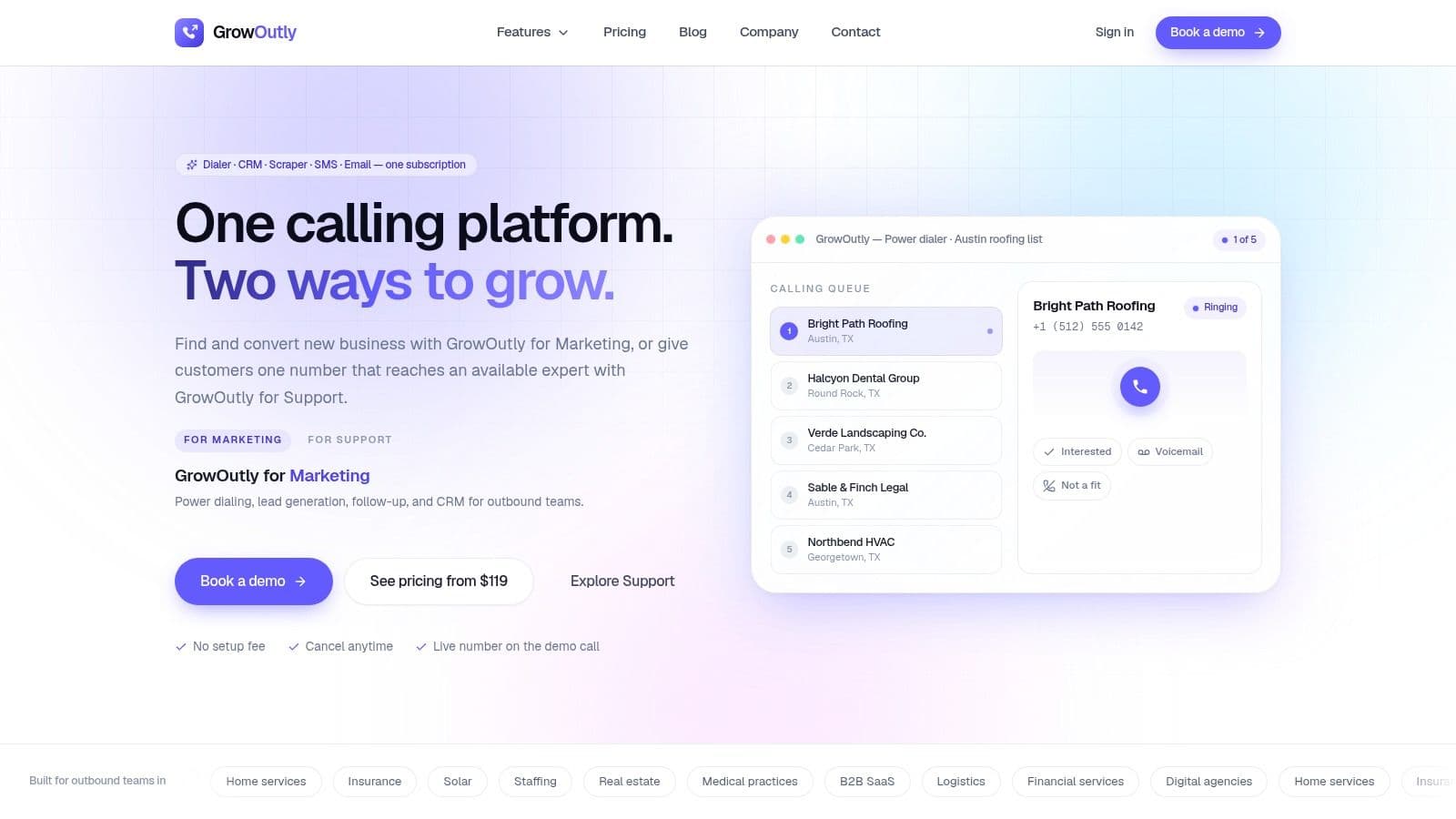
GrowOutly is one option that combines calling, messaging, CRM records, and calendar booking in one workspace, with Google Calendar integration and Microsoft 365 sync on Enterprise plans. That kind of setup makes sense when scheduling is tied to lead routing and follow-up rather than a standalone booking page.
A booking tool should answer one question fast, “Who is free right now, and what happens next?” If it can't, it's just a prettier form.
The test is whether the platform replaces fragmented handoffs. If a lead can book a slot, trigger follow-up, and show up in the CRM timeline without manual copying, the tool is doing operational work. If it only creates a calendar event, it's helping, but it isn't running the process.
Connecting Google Calendar and Microsoft 365 Correctly
Calendar integration fails without warning when teams treat it like a one-time setup. The sync needs to cover primary calendars, shared calendars, working hours, out-of-office blocks, and any buffer rules that keep meetings realistic. GrowOutly's Google Calendar integration is one example of live availability surfaced inside the call itself rather than sent as a link afterwards. If those pieces aren't aligned, self-service booking will create confidence on the front end and conflict behind the scenes.
The setup path that avoids double bookings
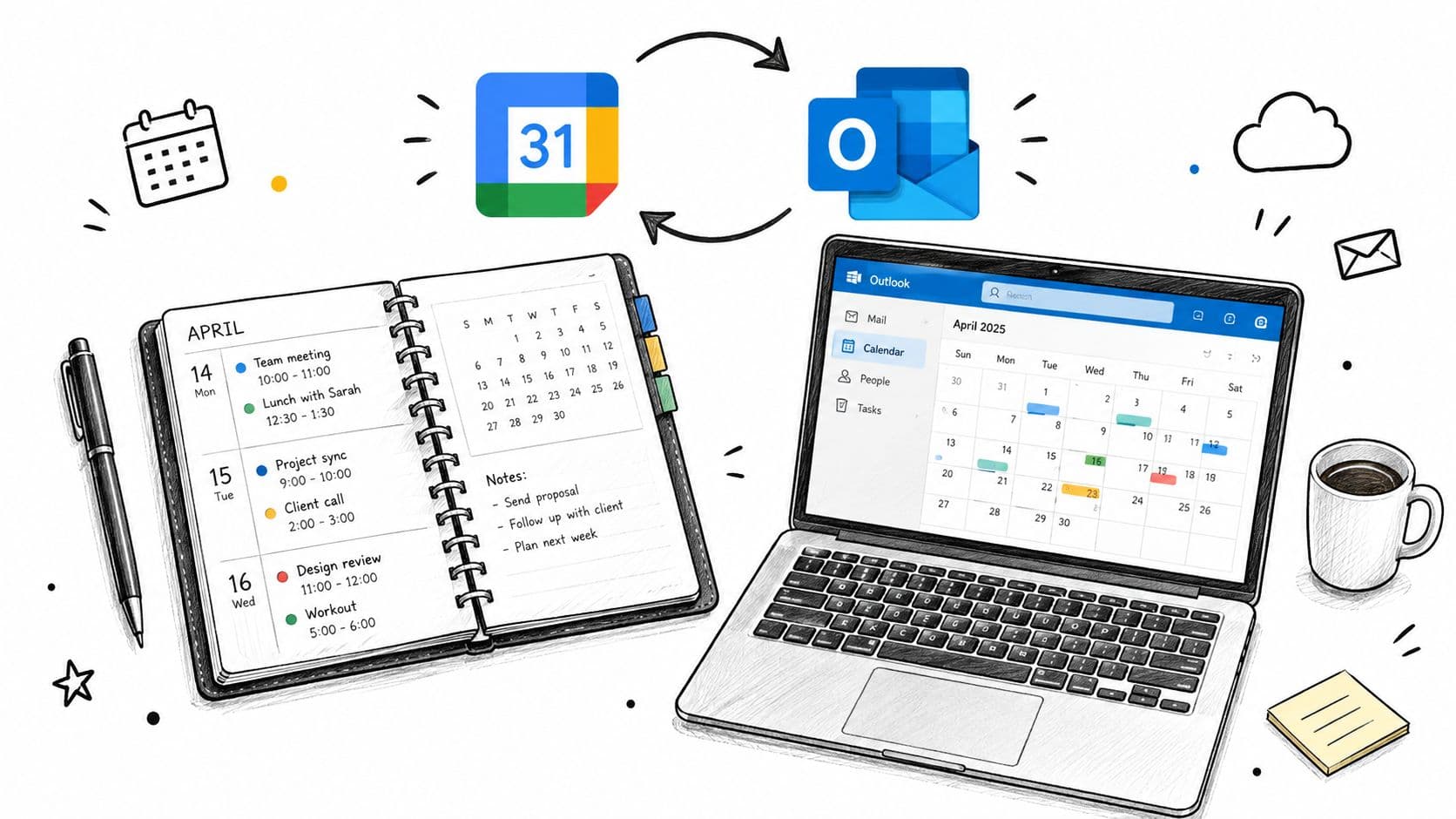
Connect the account with OAuth-based access, then verify which calendars are read-only and which ones can accept new bookings. That distinction matters because stale permission settings are a common cause of hidden conflicts. Next, test whether busy blocks from Google Calendar and Microsoft 365 both suppress availability the way you expect.
The safest launch checklist looks like this:
- Connect the active calendars first. Start with the calendars each rep uses.
- Confirm working hours and out-of-office rules. Don't assume they transfer cleanly across systems.
- Test meeting lengths and buffer times. A 30-minute slot shouldn't collide with a hard stop five minutes later.
- Book a test appointment. Make sure it appears in both systems with the right time zone and status.
- Review shared visibility. A teammate should see the same availability the customer sees.
What to audit after launch
Once the booking page is live, check whether every booked meeting lands in both calendar systems with the same time zone and duration. Then test a few edge cases, like a booked slot inside an out-of-office block or a meeting that lands across a daylight-saving boundary. If the tool can't keep those cases clean, it'll create support tickets later.
The point of live sync isn't convenience, it's trust. If the customer sees an open slot, that slot needs to stay open until it's truly taken. Anything less turns self-service booking into a source of accidental friction.
Building a Booking Flow That Converts and Follows Up
A booking link alone doesn't convert well if the lead falls into a dead end afterward. The workflow has to capture the inquiry, respond quickly, and move the person from interest to confirmed meeting without making them chase the team. That means treating booking as a response-time SLA, not a batch task.
Track latency from the first click
Record the timestamp of the inquiry, the first automated acknowledgment, the first human or agent-assisted contact, the qualification outcome, and the final booking time. Then separate the numbers by source, timezone, and business hours so you can see where delays hide. If a lead comes in at 8 p.m. and waits until morning, that's a different operational pattern from a midday inbound request.
Contact speed matters more than most teams admit. If the first response is slow, the calendar doesn't feel unavailable, it feels ignored.
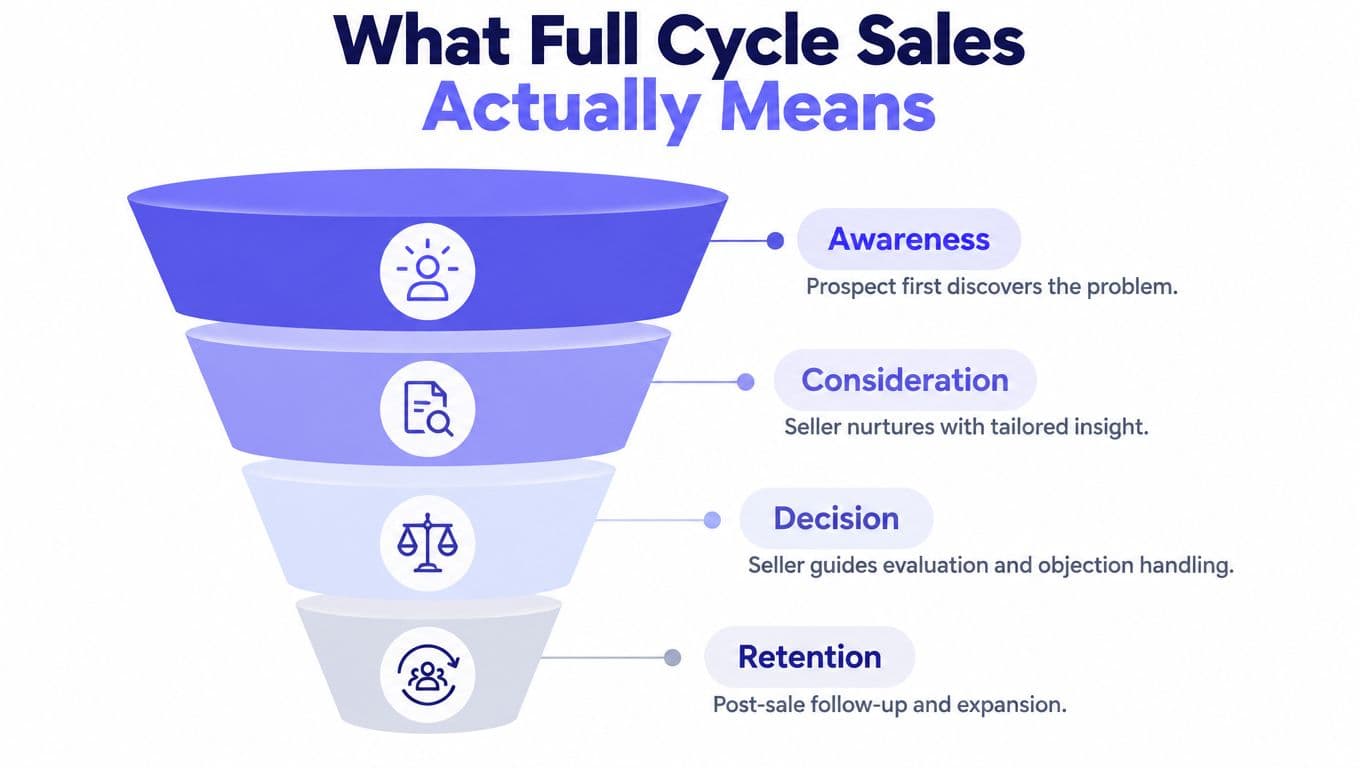
That latency is the same speed-to-lead problem our guide to full cycle sales covers, where contacting an inbound lead within five minutes beats waiting thirty by a wide margin. A booking link doesn't fix a slow first touch, it just makes the delay easier to see.
Use one real-time queue for new inquiries, and show only current availability. Offer at least two suitable time zones when you work across regions, because “pick a time that works” fails fast when the buyer is two hours ahead. If the booking isn't completed after the first contact, trigger a fallback call or SMS instead of waiting for the lead to come back on their own.
Make the flow measurable
The mistake is measuring booked meetings without measuring latency. A strong inquiry-to-contact process can still lose opportunities if the follow-up arrives too late, while a low booking rate may just mean inventory is hard to find. Track the percentage of leads receiving a response within five minutes, the contact-to-booking conversion rate, and the number of booked meetings per qualified lead.
A clean flow also prevents awkward handoffs. The booking page should capture context once, route it to the right owner, and keep the activity trail intact so the next rep doesn't start cold. That's how the calendar becomes part of revenue operations instead of just a scheduling surface.
Designing Reminders That Reduce No-Shows
A confirmed booking is only the start. The core job is getting the person to attend, and reminder design matters more than reminder volume. A calendar can look full and still underperform if the follow-up does not support attendance.
Confirm immediately, then remind with intent
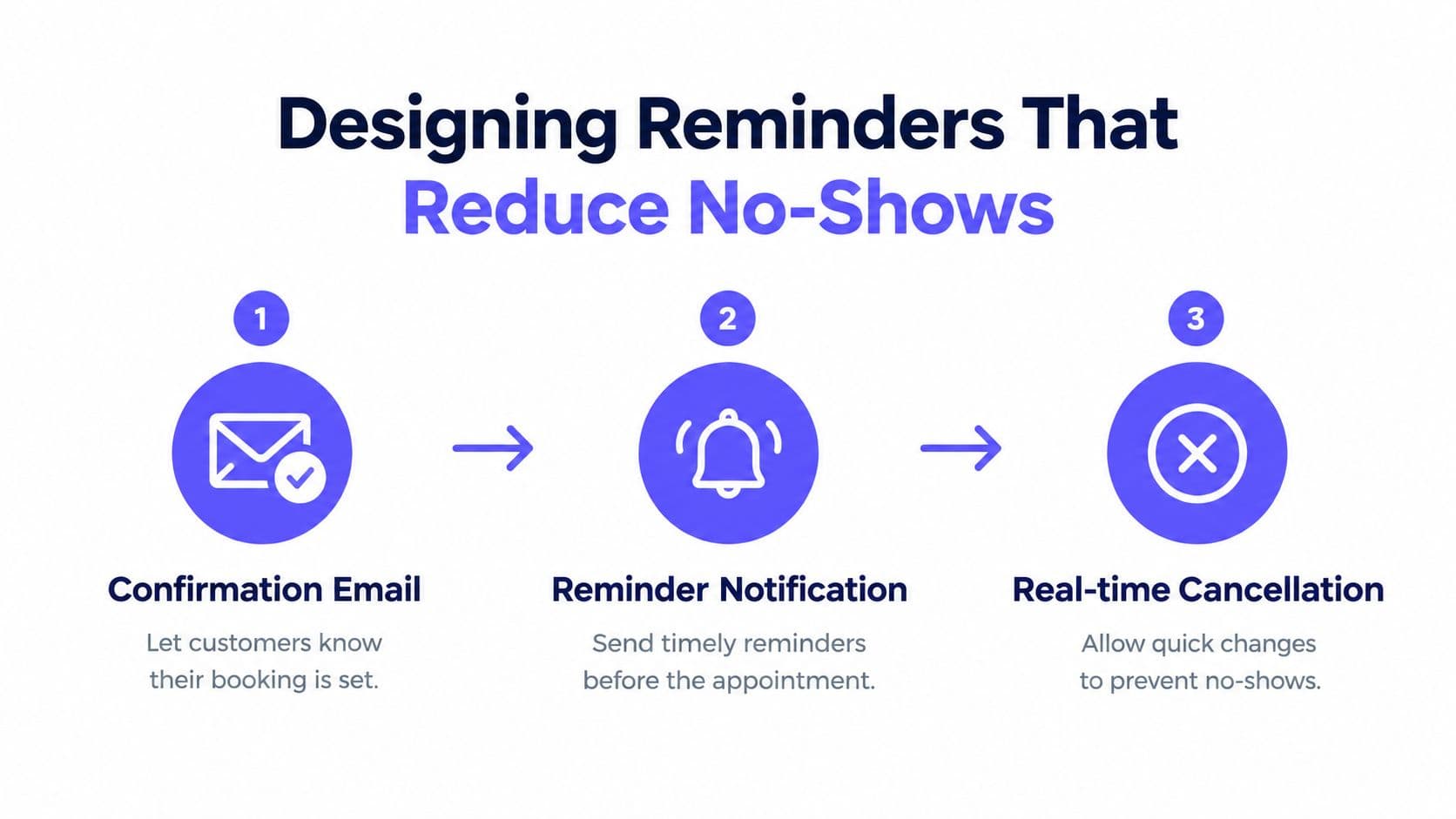
At booking, send a confirmation that includes the exact local date, time, meeting channel, cancellation policy, and a rescheduling link. The attendee should know what happens next, not just that the slot exists. If the meeting is several days away, follow up with a nearer-term reminder instead of recycling the same message on a fixed schedule.
Evidence supports reminders as a real attendance lever. An outpatient randomized study reported no-show rates of 13.6% with staff reminders, 17.3% with automated reminders, and 23.1% with no reminders, which shows a 41% relative reduction from no reminders to automated reminders and a 59% relative reduction with staff reminders American Journal of Medicine study00108-7/fulltext). A separate randomized trial summary found that two reminders, seven days and three days before the visit, produced a 4.4% no-show rate, compared with 5.8% for a three-day reminder alone and 5.3% for a one-day reminder alone.
Make the reminder path practical
The best reminder chain is simple enough for staff to trust and flexible enough for different lead times. Use immediate confirmation, one or more reminders based on how far out the appointment is, and a direct reschedule path. A seven-day reminder for a meeting booked only two days ahead adds noise without helping attendance.
Send reminders based on lead time, not habit.
A few operational mistakes keep showing up. Teams rely on email alone, separate cancellations poorly from no-shows, and optimize message volume without checking delivery failures or opt-outs. A stronger reminder protocol ties each message to one clear action, attend, cancel, or reschedule.
SMS Best Practices and Compliance Keywords
SMS works because people read it quickly, but speed does not remove the need for structure. A solid appointment text identifies the business, states message frequency if the program sends recurring messages, and gives the recipient a clear way to cancel, reschedule, or ask for help. Transactional confirmations and marketing messages sit under different consent rules, which what TCPA compliance is explains, and our TCPA compliance checklist for outbound teams covers running opt-outs through one gate so a STOP on a reminder suppresses everything else too. If those pieces are missing, trust drops fast.
Build two-way replies into the workflow
For appointment use, CONFIRM can acknowledge attendance, RESCHEDULE can request a new time, CANCEL can release the slot, and HELP can route the person to support. Those are engagement tools. The compliance-critical side is the unsubscribe path, and it has to work every time.
Salesforce documents these opt-out keywords as immediate unsubscribe triggers when they appear at the beginning of a message, STOP, QUIT, CANCEL, END, UNSUBSCRIBE, REVOKE, and OPT OUT Salesforce SMS keyword guidance. A compliant STOP response should identify the program or business, confirm that no further messages will be sent, and provide a support contact. HELP responses should include the business or program name plus a support phone number, email address, or direct support location.
Compare channels by the job they do
SMS works best when the goal is attendance and fast action. Phone still matters when someone needs a live person, and staff-assisted booking matters when accessibility, language, or comfort with forms becomes the barrier. The wrong move is forcing everyone through the same lane.
A useful text message does three things well, it reminds, it redirects, and it respects choice. It should contain the appointment details, a clear reschedule path, and a valid opt-out path in plain language. If a person replies with a keyword, the system should respond cleanly and update the calendar slot without manual cleanup.
Scheduling Best Practices for Modern Teams
The strongest teams don't treat every appointment as equally reliable. They use the same calendar logic for online self-service, SMS nudges, phone backup, and staff-assisted scheduling, then watch where each channel underperforms. That's how the calendar becomes a durable workflow instead of a one-time setup project.
Keep the system hybrid
Online booking should be available, but not forced on everyone. Some people need a phone-assisted path, some need an accessibility accommodation, and some will not complete a form without help. If the booking flow can't support that reality, it creates a digital-only front door that looks efficient and feels exclusionary.
I've seen teams improve follow-through fastest when the calendar sits beside the CRM timeline, call notes, and message history. The rep can see what happened before the appointment, the manager can audit the handoff, and the customer doesn't have to repeat themselves. That context matters more than a polished booking page.
Watch the right metrics
Measure abandoned bookings, response latency, and show rates by segment. If one channel fills quickly but attendance lags, the problem may be confirmation timing, not demand. If another channel books slowly, the issue may be accessibility or routing, not interest.
- Protect the calendar surface: Keep availability real-time, not manually refreshed.
- Preserve the conversation: Store calls, texts, and booking events together.
- Use segment-level review: Compare new leads, existing customers, and different time zones separately.
- Keep rescheduling easy: A one-click path beats forcing people to start over.
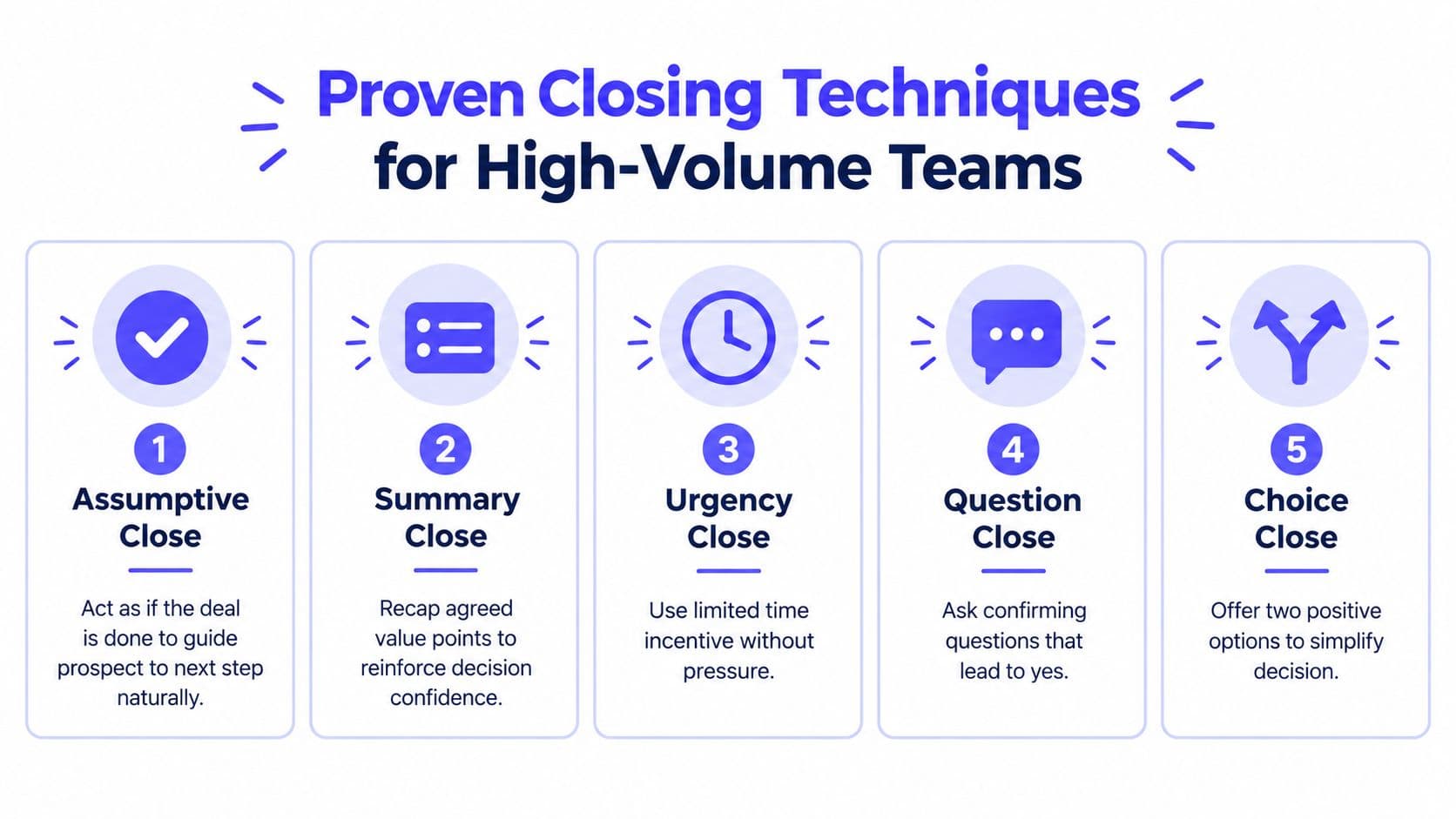
The best setups are boring after launch. They don't need constant rescues, they don't lose context, and they keep every meeting tied to an owner and an outcome. Getting the meeting agreed in the first place is its own skill, and the close sales techniques that hold up in practice are mostly about asking for the next step while the conversation is still live.
GrowOutly brings calling, SMS, CRM, and calendar booking into one workspace, so live availability, follow-up, and audit trails stay connected instead of scattered across tools. If you're turning an appointment scheduling calendar into an automated booking engine, visit GrowOutly and see how the workflow fits together.