Recording a call is the easiest part of buying call recording software. The harder question is whether your team can prove who was recorded, under which consent rule, for how long, and who accessed the result. A tool that saves audio but lacks transcript controls, retention policies, audit trails, permissions, or compliant SMS handling may create a larger operational problem than the one it was meant to solve.
Buyers should compare capture rules, storage, retention, searchable transcripts, auditability, role permissions, consent notices, CRM synchronization, and connected outreach workflows. Those needs differ sharply between a marketing team tracking inbound leads, a sales organization coaching reps, a support desk routing calls, a contact center managing quality assurance, and a regulated operation preserving evidence. The category below compares ten options by governance and operational fit, including a self-hosted route for teams that want direct control of their recordings.
1. GrowOutly
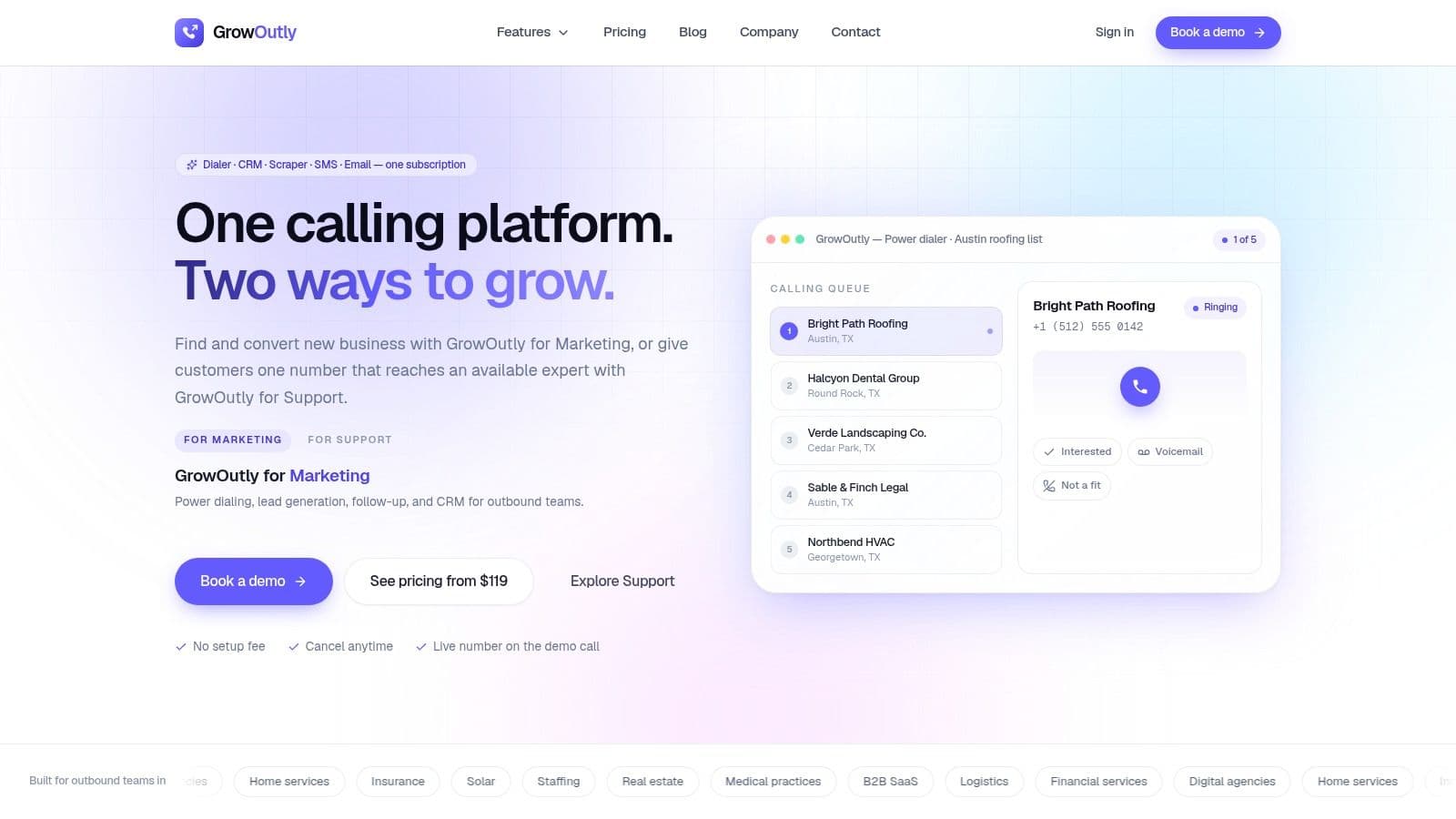
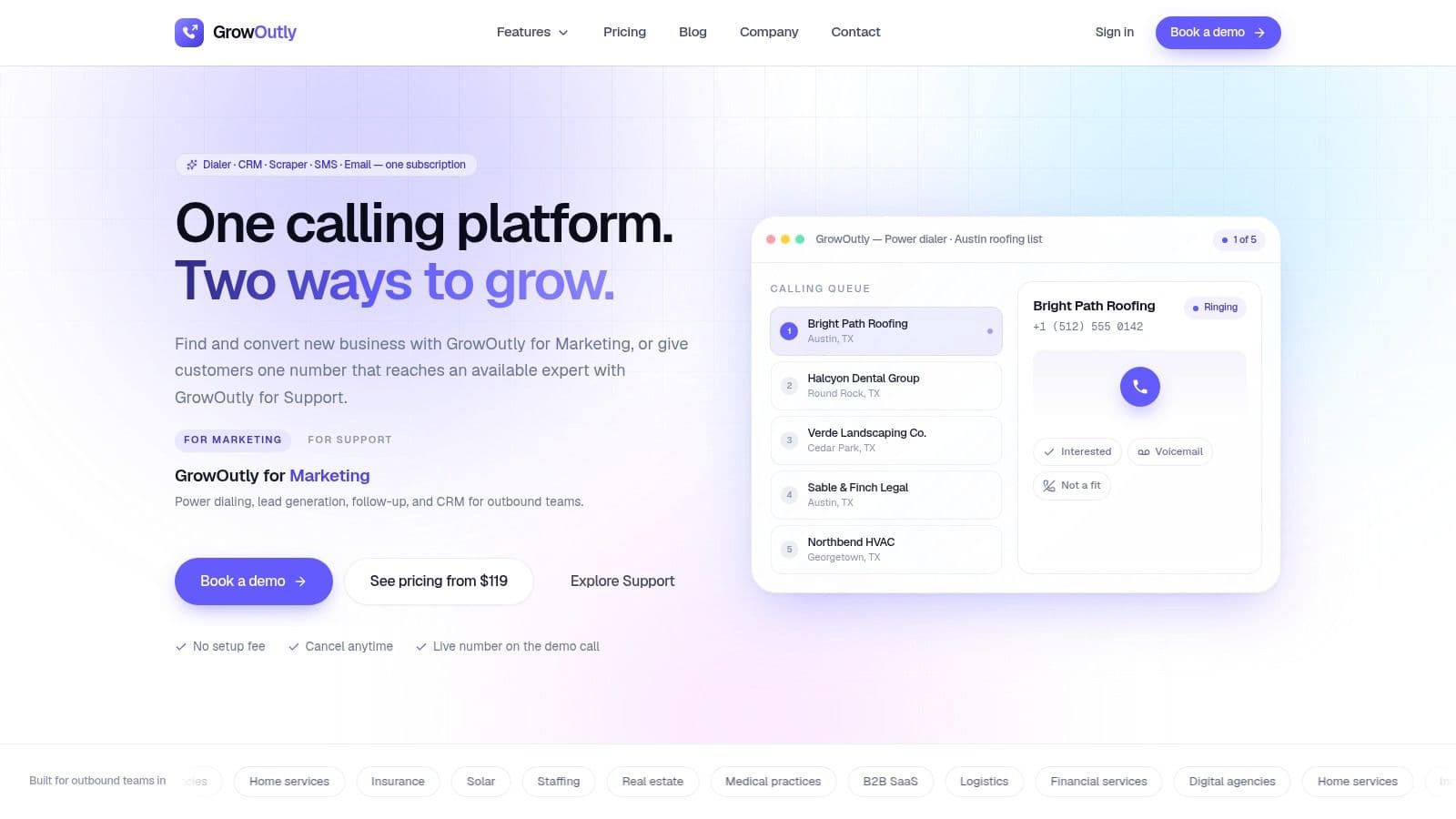
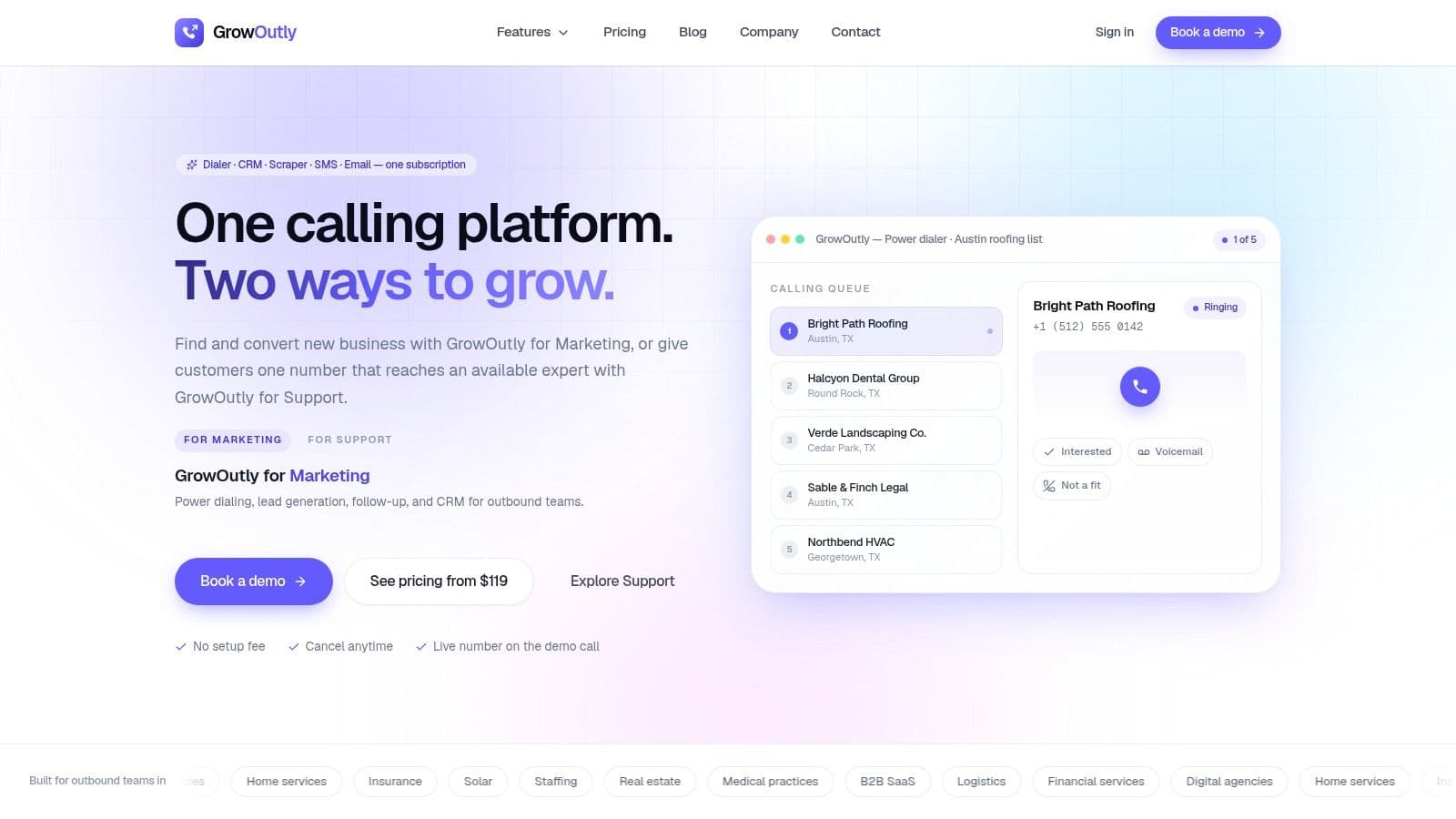
GrowOutly fits teams that need calling, CRM activity, lead sourcing, SMS, email, scheduling, and recording in one operating workspace. It records and transcribes calls, attaches them to contact records, and keeps related activity visible. That queue-to-record loop is the same one power dialer CRM describes, where the system fills the attempt, timestamp, and duration and the rep supplies the disposition and the note. That context lets agents review lead source, prior messages, notes, booking details, and routing history alongside the recording instead of managing separate systems.
The platform combines an outbound power dialer, voicemail drop, local-presence caller ID, inbound routing, and a native Google Maps lead scraper. Its site reports an average path of 48 seconds from scrape to first dial and 3.4 times more conversations per rep from its outbound toolkit. These are vendor claims, so teams should test them against list quality, connect rates, and calling patterns during a live trial.
Governance sits inside the workflow
GrowOutly's compliance layer runs pre-dial and pre-SMS checks against the National DNC, 50-state DNC, curfew rules, and telemarketing litigator lists. The site states that checks run in under 45 milliseconds. Customers still have to obtain consent and meet applicable telemarketing laws.
Recordings, transcripts, activity logs, encryption in transit and at rest, and role or permission controls provide a clearer governance trail than a standalone recorder. The audit value depends on how administrators configure retention, access, and review procedures, so regulated teams should confirm those controls before deployment.
Its inbound workflow gives agents availability-aware context when calls arrive. Teams can test the platform through a live scrape and dial session, which helps expose workflow and implementation risks before the system becomes part of daily outreach.
Best fit: Marketing agencies, B2B services firms, local businesses, staffing teams, insurance and solar organizations, and support teams that want calling and outreach records in one CRM.
The trade-off is usage planning
GrowOutly's published pricing as of September 2026 lists Base at $119 per month, Pro at $319 per month, and Essentials at $819 per month, with Enterprise pricing available on request. These plan figures and the platform's stated 99.95% uptime commitment come from GrowOutly's product site. Minutes, SMS, emails, and virtual numbers have usage allowances, so high-volume teams should model consumption before selecting a tier.
For inbound routing and availability-aware handling, review GrowOutly's incoming calls feature, and compare the wider field in our rundown of 10 inbound call routing software options. The breadth suits teams consolidating outreach records, while the same breadth requires governance across several channels, not recordings alone.
2. Zoom Phone
Zoom Phone suits organizations that already rely on Zoom and want phone recording connected to a familiar meeting and collaboration environment. Its cloud PBX supports on-demand and automatic recording across desk phones, mobile clients, and softphones. That broad endpoint coverage reduces the governance gap that appears when employees call from several devices and only one of them is configured for capture.
The product also includes voicemail transcription, auto attendants, IVR, ACD queues, BYOC support, and quality dashboards. For a distributed sales or support team, the operational value is less about advanced conversation intelligence and more about giving administrators a common place to manage voice endpoints, queues, and escalation into Zoom Meetings or Rooms.
Where the recording model fits
Zoom Phone is a sensible choice for teams that need reliable capture and basic operational visibility without immediately adopting a specialized contact-center suite. Administrators should still verify whether automatic recording is enabled for every required user, queue, device, and region. A recording policy that works for a softphone may not cover a separate mobile workflow in the same way.
The platform's Zoom Phone offering should be evaluated alongside storage duration, export behavior, administrative access, and consent-announcement controls. Public plan information can vary by region and account configuration, while advanced customer-experience and AI features may require add-ons. That makes the purchase decision less straightforward than the familiar Zoom interface suggests.
For teams whose primary requirement is voice continuity across offices and devices, Zoom Phone is practical. For regulated operations that need granular retention evidence, transcript governance, and detailed audit exports, buyers should test those controls directly rather than infer them from the core phone product.
3. RingCentral MVP, also known as RingEX
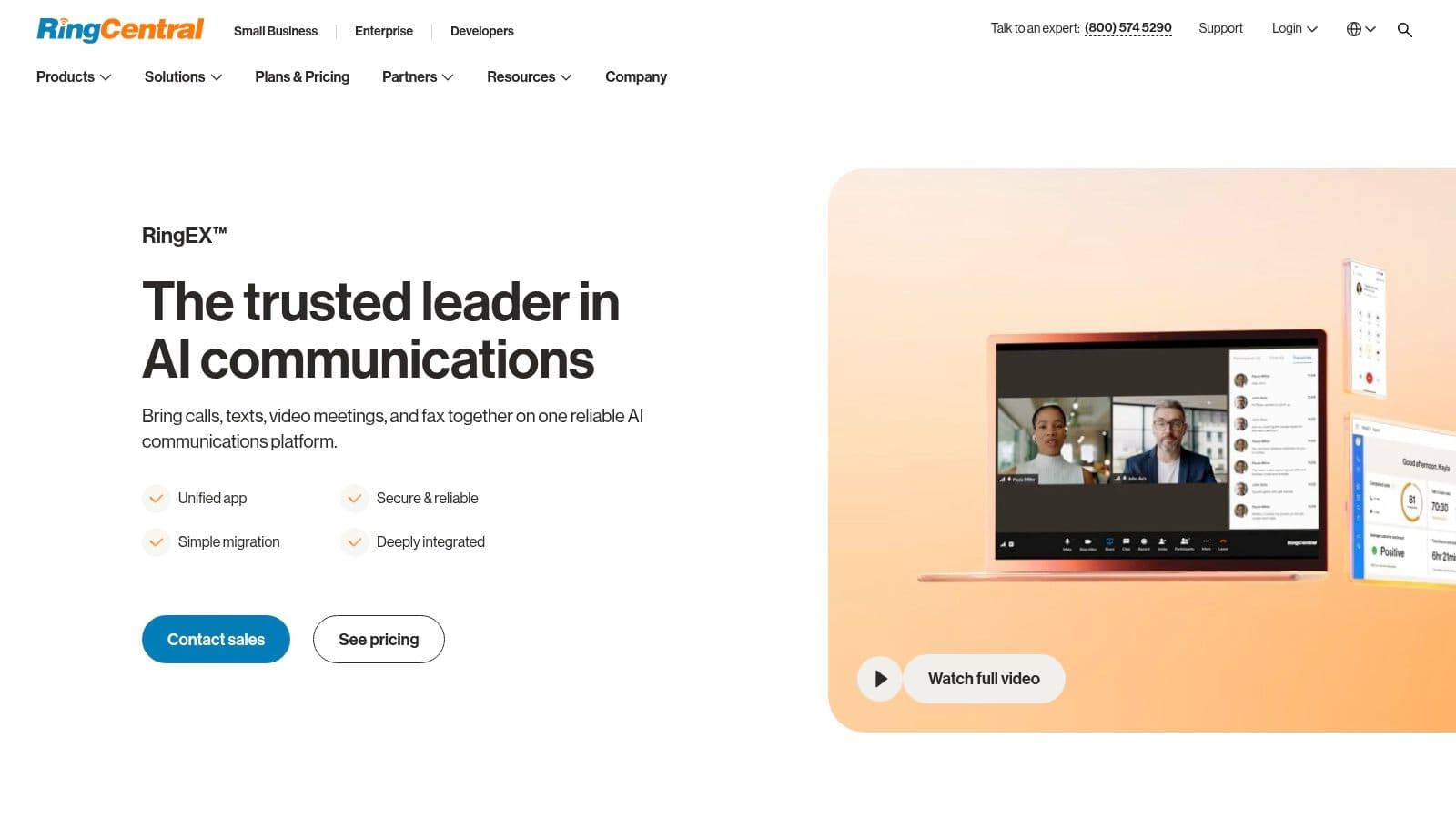
RingCentral MVP, now also presented as RingEX, is built for distributed organizations that need mature communications administration rather than a simple recorder. It supports automatic and on-demand recording, policy and retention settings, multilevel IVR, queues, analytics, and integrations across sales and support systems. Supervisors can also use barge, monitor, and whisper functions where the operating model requires live intervention or coaching.
The important distinction is policy depth. A team can define recording behavior around users, departments, or workflows instead of asking every employee to remember when to press record. Retention settings then become part of the governance conversation, alongside access rights and the systems that receive call records.
Strong administration, careful packaging
RingCentral's large integration marketplace is useful when recordings need to connect with CRM or helpdesk records. That reduces the risk of leaving audio in a separate archive that managers rarely review. It also introduces a permission question: the organization must decide whether a recording should be visible to a rep, a supervisor, compliance staff, or an external system.
Recording availability and retention can depend on higher plans, and advanced analytics may arrive as add-ons. Buyers should model the complete cost of their desired governance setup, not the entry phone license alone. The RingCentral MVP product page is the starting point, but a live commercial proposal should spell out recording access, retention, exports, integrations, and audit evidence.
Teams considering a broader business calling software comparison should place RingCentral in the mature UCaaS category. It's a strong operational fit for larger distributed teams, but potentially more infrastructure than a small group needs for basic recording and playback.
4. Dialpad Ai Voice
Dialpad Ai Voice is aimed at teams that want the recording to become searchable coaching material soon after the call ends. It combines automatic or manual recording with real-time transcription, post-call summaries, sentiment analysis, scorecards, and CRM or helpdesk integrations. That makes it more suitable for sales managers and support leaders who need to review patterns across conversations rather than open audio files one at a time.
Automatic recording can be applied by department or contact center policy, which is more useful operationally than relying entirely on individual behavior. The distinction between policy-based capture and manual capture should be tested during implementation. A team may need different rules for sales, support, training, and sensitive conversations.
Transcripts change access requirements
A transcript is easier to search, copy, export, and reuse than an audio file. That accessibility improves coaching and quality assurance, but it also expands the number of places where sensitive customer information can appear. Managers should confirm who can search transcripts, whether summaries inherit recording permissions, and how deletion affects both the audio and its derived text.
Dialpad's business phone system is a good candidate for teams that value native AI over a separate analytics layer. The trade-off is packaging uncertainty. Automatic recording may depend on the product tier, and voice or AI pricing can be sales-led and subject to change. A trial should therefore include the exact departments, transcripts, scorecards, and CRM sync the organization intends to operate.
5. Aircall
Aircall is a focused option for sales and support teams that want fast deployment, automatic recording, and conversation intelligence connected to existing business systems. Administrators can manage recording by number, while users receive playback and, on eligible plans, multilingual transcription, AI summaries, sentiment, key topics, and other conversation insights.
Its 24-language transcription capability is stated in the Aircall product information, and should be validated against the languages and accents the team handles. A transcript that works well for one market may need a different review process in another, particularly when managers use keyword detection for quality or compliance checks.
Practical fit for growing teams
Aircall's power dialer, queue callback features, open API, and more than 250 integrations, also stated by the company, make it attractive when the phone system must exchange data with a CRM or helpdesk. The advantage is speed to operational value. A call can be recorded, associated with the right business context, and analyzed without building a large contact-center program.
The trade-offs are commercial and structural. Aircall requires a minimum of three licenses, while analytics history and advanced features can be limited on lower tiers. International bundles may also affect total cost. Teams should test retention settings, exports, number-level recording policies, transcript permissions, and integration behavior before signing.
Aircall works best when a team wants a dedicated cloud phone layer with modern conversation intelligence. It's less compelling for a single operator or for a regulated contact center that needs extensive screen capture, workforce management, and highly customized retention workflows.
6. 8x8 X Series
8x8 X Series combines unified communications and contact-center capabilities, which makes it useful for organizations that don't want separate vendors for employee calling and customer service operations. Call recording is available across X Series licenses, with policy-based retention and contact-center options that can add hot storage, extended storage, screen recording, quality management, and speech analytics.
The strongest case for 8x8 is a mixed operating environment. A company may need ordinary PBX recording for internal or sales users while also requiring contact-center controls for agents, supervisors, and quality teams. A single vendor can simplify ownership, but only if the licensing model exposes the policies each group needs.
Storage is the buying decision
Recording retention is not just a storage question. It determines how long evidence remains available, who can retrieve it, and whether the organization can demonstrate that deletion follows a documented rule. 8x8 provides documented storage policies, but extended retention and screen capture may require higher tiers or add-ons.
Review the 8x8 X Series platform with a specific policy matrix. Ask which licenses support automatic recording, what happens when hot storage expires, how add-on storage is billed, and whether screen recordings follow the same access controls as voice. Online pricing is less transparent and can vary by region, so a quote should separate core voice, contact-center functions, storage, analytics, and implementation.
This is a suitable choice for organizations consolidating PBX and contact center operations. It may be excessive for a small sales team that only needs recorded calls attached to CRM contacts.
7. Talkdesk CX Cloud
Talkdesk CX Cloud is designed for contact centers where recordings support structured quality programs, audits, coaching, and customer-experience analysis. It provides voice and screen recording, QA scorecards, quality workflows, speech recognition, transcription, analytics, and deep Salesforce integration options.
That combination moves the product beyond evidence storage. A supervisor can evaluate an interaction against a scorecard, connect the result to coaching, and use speech data to identify recurring issues. The operational question is whether the organization has enough QA discipline to use those capabilities. Buying advanced analytics without assigning ownership for scorecards, appeals, coaching, and retention creates an expensive archive rather than a functioning program.
Built for managed quality operations
Talkdesk is a strong fit for enterprise contact centers with dedicated workforce engagement or quality teams. Voice and screen capture can provide a fuller view of how agents handle systems and customers, while Salesforce connectivity can place conversation context near the customer record. Those features also increase the sensitivity of the stored data and the need for narrow permissions.
The Talkdesk CX Cloud platform uses sales-led pricing and a usage-based catalog for advanced AI and analytics. Very small teams may find the setup disproportionate to their needs. Larger teams should request a demonstration using their own quality workflow, including consent announcements, role-based review, transcript access, scorecard changes, export controls, and deletion requests.
Talkdesk earns its place when recording is one component of a formal customer-experience management system. It isn't the economical answer for simple inbound recording.
8. Five9
Five9 targets high-volume contact centers that need recording policies across voice and digital interactions, screen capture, quality management, analytics, and encrypted storage options. Its model fits organizations where recordings support both regulatory administration and workforce optimization, rather than only sales follow-up.
Policy-based recording rules are central here. A contact center may need to capture some channels continuously, apply different rules by queue, and preserve records for longer operational or legal workflows. Five9 also provides AI-assisted quality workflows, including Agentic Quality Management in its product materials, which can help quality teams review more interactions than manual sampling alone.
Enterprise capability comes with enterprise work
Five9's strength is the connection between recording, screen capture, WFO, QA, and storage administration. Its flexible storage add-ons can help organizations avoid treating every recording as if it needs the same retention period. That flexibility only works when legal, compliance, operations, and IT agree on policy boundaries.
The Five9 contact-center platform is enterprise-oriented and quote-based. Advanced functions may require add-ons or controlled availability, so buyers should request a feature-level bill of materials. Include digital channels, screen capture, encrypted retention, transcript and analytics access, supervisor permissions, API exports, and implementation services.
Five9 is a strong recommendation for regulated or high-volume contact centers with established governance teams. It's likely too complex for a small office that only needs automatic call recording and occasional playback.
9. CallRail
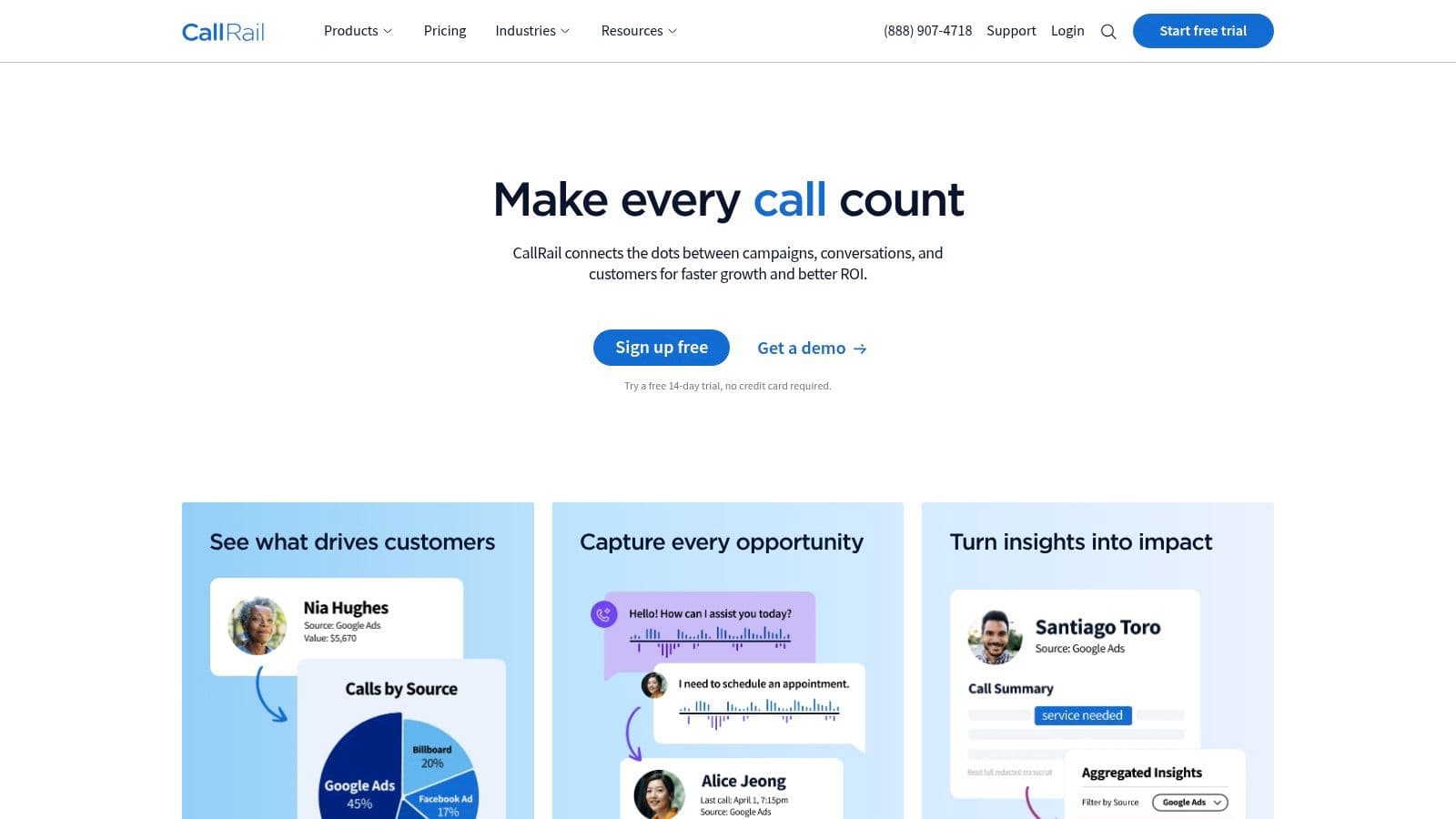
CallRail is built for marketers and agencies that need to connect inbound calls with campaign attribution. It records calls to tracking numbers, supports an optional compliance announcement, and offers conversation intelligence with transcripts and keyword insights on higher tiers. Routing, dynamic number insertion, text and form tracking, API access, and export capabilities help move call data into reporting and marketing workflows.
That focus separates CallRail from full business phone systems. It's not primarily intended to record every internal, outbound, or contact-center interaction. Instead, it answers a narrower question: which campaign, source, or tracking number produced the conversation, and what did the caller discuss?
The marketing advantage is context
For an agency, a recording attached to campaign data is more useful than an isolated audio file. Teams can review lead quality, identify recurring service questions, and send selected data into reporting or CRM systems. The platform also offers HIPAA and BAA options by request, which should be discussed directly with the vendor when healthcare workflows are involved.
Before using CallRail for regulated outreach, review the practical implications of TCPA compliance for business calling. CallRail's minutes and premium conversation-intelligence features can increase costs at scale, so agencies should estimate recording volume, transcription needs, retention, exports, and the number of tracking numbers required.
CallRail is the better recommendation when attribution is the center of the workflow. A marketing team that also needs outbound dialing, two-way SMS, inbound routing, and a full CRM may need a broader platform alongside or instead of it.
10. OrecX and Oreka
OrecX, together with the open-source Oreka project, is the clearest option for teams that prioritize ownership and deployment flexibility over out-of-the-box business workflows. It supports VoIP and SIP capture, device capture, web search and playback, open storage formats, and APIs for downstream analytics. Commercial modules add capabilities such as screen capture, quality monitoring, and mobile support.
A self-hosted or open-source model changes the economics of control. The organization can decide where recordings live, how they connect to BI or machine-learning systems, and which internal services manage access. It also assumes responsibility for infrastructure, updates, backups, encryption, monitoring, disaster recovery, consent notices, retention enforcement, and audit evidence.
Control requires an internal owner
The GPL Oreka route can reduce vendor lock-in and provide direct access to audio data, but it requires more IT effort to deploy and maintain. Commercial OrecX editions offer a more supported path while preserving a focus on recording ownership and integration flexibility. Neither route provides the same ready-made CRM, routing, and outreach experience as a UCaaS or CCaaS suite.
The OrecX recording platform suits organizations with technical teams that can operate a recording environment as a long-term service. It's also worth considering when data must flow into custom analytics pipelines or when a company cannot accept a vendor-controlled archive.
The trade-off is operational accountability. If a self-hosted deployment loses recordings, fails to apply deletion rules, or exposes transcripts through weak permissions, the organization owns that failure. Choose OrecX for deliberate infrastructure control, not because recording itself appears simple.
Top 10 Call Recording Software Comparison
| Product | Core features | Unique selling points (✨) | Compliance & Security | Price & Value (💰) | Target audience & UX (👥 ★) |
|---|---|---|---|---|---|
| 🏆 GrowOutly | Power dialer, IVR/routing, Google Maps scraper, SMS/MMS, email, built-in CRM, calendar booking | Native Maps scraper (48s to dial); integrated cold-caller network; unified workspace | sub-45 ms DNC/TCPA pre-checks; recordings & transcripts; encryption; role controls; DPA | Base $119/mo; Pro $319/mo; Essentials $819/mo; Enterprise custom; volume-based | Marketing & support teams; unified timelines, high efficiency; ★★★★★ |
| Zoom Phone | Cloud PBX, on-demand & auto recording, IVR/queues, voicemail transcription | Tight Zoom Meetings/Rooms escalation; broad endpoint support | Enterprise compliance posture; recording controls and retention | Region/account pricing; often sales-led | Organizations needing voice→meetings flow; ★★★★ |
| RingCentral MVP | UCaaS with auto/on-demand recording, retention policies, IVR, analytics, integrations | Large integrations marketplace; supervisor (barge/whisper/monitor) tools | Policy/retention controls; mature enterprise documentation | Tiered plans; advanced features often add-ons | Distributed teams needing mature compliance & integrations; ★★★★ |
| Dialpad Ai Voice | AI realtime transcription, post-call summaries, automatic recording, scorecards | Strong native AI for coaching, sentiment & QA | Policy-based auto-recording (tier-dependent); recording controls | Voice/AI packaging can be sales-led; evolving | Teams focused on AI coaching and QA; ★★★★ |
| Aircall | Auto recording, multi-language transcription, AI summaries, power dialer, 250+ integrations | Fast CRM/helpdesk integrations; quick time-to-value | Admin-level recording policies; retention settings | Transparent pricing; 3-license minimum; intl bundles may add cost | Sales & support teams needing fast CRM sync; ★★★★ |
| 8x8 X Series | UCaaS + CCaaS, call recording, policy-based retention, optional screen recording | Single vendor for PBX + contact center; configurable recording | Policy-based retention; add-ons for extended storage | Region-dependent pricing; add-ons for retention/storage | Organizations needing PBX + contact center in one vendor; ★★★ |
| Talkdesk CX Cloud | Voice & screen recording, speech analytics, QA scorecards, quality workflows | Enterprise-grade QA & deep Salesforce integrations | Enterprise QA/recording controls; advanced analytics | Quote-based; sales-led pricing | Enterprise contact centers focused on QA/analytics; ★★★★ |
| Five9 | Policy-based voice & digital recording, screen capture, WFO, AI-assisted QA | Deep WFO/QA toolset; flexible encrypted storage options | Extended encrypted storage; policy controls for regulated sites | Enterprise/quote pricing; add-ons for advanced features | Regulated or high-volume contact centers; ★★★★ |
| CallRail | Call tracking & recording for tracking numbers, transcripts, conversation intelligence | Marketing attribution focus; easy API & export for ROI workflows | Optional announcement for compliance; HIPAA/BAA by request | Subscription + CI add-ons; usage costs scale | Marketers & agencies tracking campaign ROI; ★★★ |
| OrecX / Oreka | VoIP/SIP & device capture, web playback, open-source Oreka + commercial modules | Open-source option; ownership of raw audio; open formats/APIs | Self-host option enables data ownership; needs IT for security | Open-source GPL free; commercial licenses for features/support | IT teams/organizations wanting full control of recordings; ★★★ |
Match the Recording Model to the Risk
The market has grown well beyond a niche compliance feature. The call recording software market is estimated at USD 4.64 billion in 2026 and projected to reach USD 8.16 billion by 2033, implying a CAGR of 8.4% across that forecast period, according to Coherent Market Insights' call recording software market report. The same report projects that North America will represent 38.5% of global revenue in 2026, while Asia Pacific is expected to hold 22.3% and grow fastest. Those figures suggest a category with real regional concentration and sustained expansion, but they don't tell you which governance model your team needs.
Start with the recording outcome. A small sales team may need basic capture, playback, and CRM attachment. A coaching-led sales organization needs searchable transcripts, summaries, scorecards, and controlled manager access, which is only worth the storage bill if someone acts on what the reviews surface — the close sales techniques that hold up in high-volume outbound are what those sessions should be coaching toward. A contact center needs policy-based capture, screen recording, QA workflows, supervisor permissions, and evidence that retention rules apply consistently. A technical organization may instead prioritize self-hosted storage, open formats, APIs, and direct ownership of the audio.
Regulation makes the decision less forgiving. Call recording programs can involve GDPR, HIPAA, PCI DSS, MiFID II, and Dodd-Frank, while U.S. federal law uses a one-party-consent baseline and eleven states require all-party consent, including California, Connecticut, Florida, Illinois, Maryland, Massachusetts, Michigan, Montana, Nevada, New Hampshire, and Washington, as summarized by Verint's compliance overview. Organizations calling across jurisdictions should map each operating location and apply the strictest relevant consent rule instead of assuming the caller's location settles the issue. Regulated sellers usually run consent as a gate in front of the dialer rather than a policy beside it, which the cold calling playbook for insurance works through end to end.
Test the workflow, not just the demo
A workable implementation should play a clear automated consent notice at the start of the call, record only after consent is given, log consent with the customer record, and protect storage with role-based access and audit logs. These practices are outlined in HubSpot's call recording guidance. Test whether the system records the notice, handles refusal correctly, exposes access history, exports audit logs, and removes both audio and derived transcripts when policy requires deletion.
Retention deserves its own test plan. Industry guidance notes that cross-border teams must manage fragmented consent laws, durable retention, auditable access, and copy-on-request handling, rather than relying on a simple one-party versus all-party setting, as discussed by Cresta's contact-center recording guide. Ask vendors to demonstrate retention by queue, user, jurisdiction, and data type. Confirm whether screen recordings, transcripts, summaries, CRM copies, and exported files follow the same deletion rules.
SMS outreach adds another control layer. Common opt-out keywords include STOP, CANCEL, UNSUBSCRIBE, OPTOUT, END, QUIT, REVOKE, and STOPALL, and systems should immediately stop further texting after an opt-out, according to Customer.io's SMS keyword guidance. The handling should be case-insensitive, and a message containing an opt-out term inside longer text may also trigger removal, as explained by Klaviyo's SMS compliance documentation. Test those exact behaviors before connecting SMS to an automated calling workflow.
The final comparison is financial and operational. Cloud deployments are the dominant choice in new implementations, with one industry estimate placing them at about 67% in 2025. The same report says software represented 72.4% of market share, BFSI represented 38.2% of revenue, and organizations typically saw payback within 12 to 18 months, based on fewer compliance violations, stronger agent performance, and improved contact-center operations, according to Marketintelo's market report. Treat those as industry estimates, not a guarantee. Model minutes, SMS, transcript usage, storage, premium analytics, integrations, licenses, implementation, support, and internal administration during a live trial.
Choose GrowOutly when the priority is an integrated calling and SMS outreach workflow with CRM context and embedded compliance checks. Choose Zoom Phone or RingCentral when unified communications and endpoint coverage matter most. Choose Dialpad or Aircall when transcripts and conversation intelligence should sit close to everyday calling. Choose 8x8, Talkdesk, or Five9 when contact-center QA and retention governance justify a larger platform, and weigh them against our comparison of 10 outbound call center software platforms, which scores the same vendors on dialing modes and CRM workflow rather than on how they store the audio. Choose CallRail for marketing attribution, and OrecX or Oreka when self-hosted ownership is worth the additional IT responsibility.
GrowOutly brings outbound dialing, inbound routing, call recording and transcripts, CRM activity, SMS, email, lead sourcing, and calendar booking into one workspace, with compliance checks before calls and messages connect. Visit GrowOutly to see whether its integrated governance and outreach workflow fits your team, then test consent handling, recording access, transcript storage, and usage costs in a live demonstration.