The most popular advice about outbound call center software is usually wrong. Teams don't need the “best” platform in the abstract, they need the one that fits the way they work, whether that's high-volume regulated outreach, sales rep productivity, omnichannel service, territory-based prospecting, or coaching-heavy calling. A giant CCaaS suite can be the right answer for one team and a costly detour for another, while a focused dialer can be perfect for a sales pod and useless for a compliance-first operation.
The right way to compare these tools is to start with the operating model, then test the plumbing. Look at dialing modes, routing depth, CRM workflow, pricing visibility, compliance controls, implementation burden, and team size fit. That matters because outbound software now sits inside a large, fast-growing enterprise communications stack, not a niche corner of it, and buyers are increasingly choosing between broad CCaaS platforms and sharper sales dialers based on workflow depth rather than raw feature count, as reflected in current market estimates from Mordor Intelligence and Grand View Research.
If you have not settled the criteria yet, our outbound sales software buyer's guide works through data readiness, channel orchestration, CRM write-back, dialing mechanics, and the compliance gates before any vendor names enter the conversation. For the dialer itself rather than the whole stack, the call center dialer software buyer's guide covers pacing models, the pre-dial gate, and what to make a vendor prove in the demo.
Start with how many calls, texts, and emails your team sends, then verify what has to sync into your CRM, what has to be routed, and what compliance gates have to fire before a record can be dialed. If a vendor can't show you the full cost, the exact tier restrictions, and how list quality holds up in production, keep moving.
1. GrowOutly
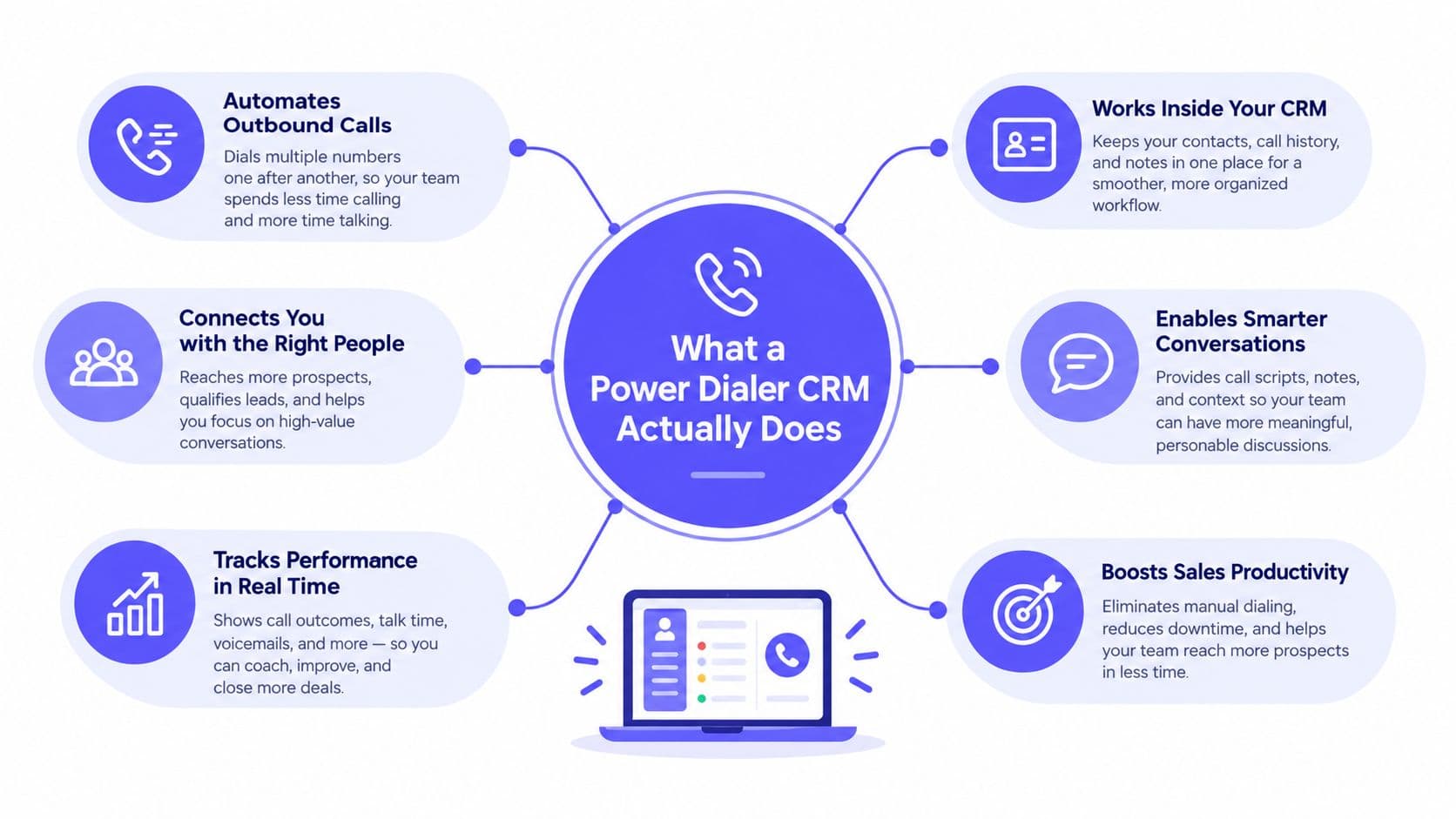
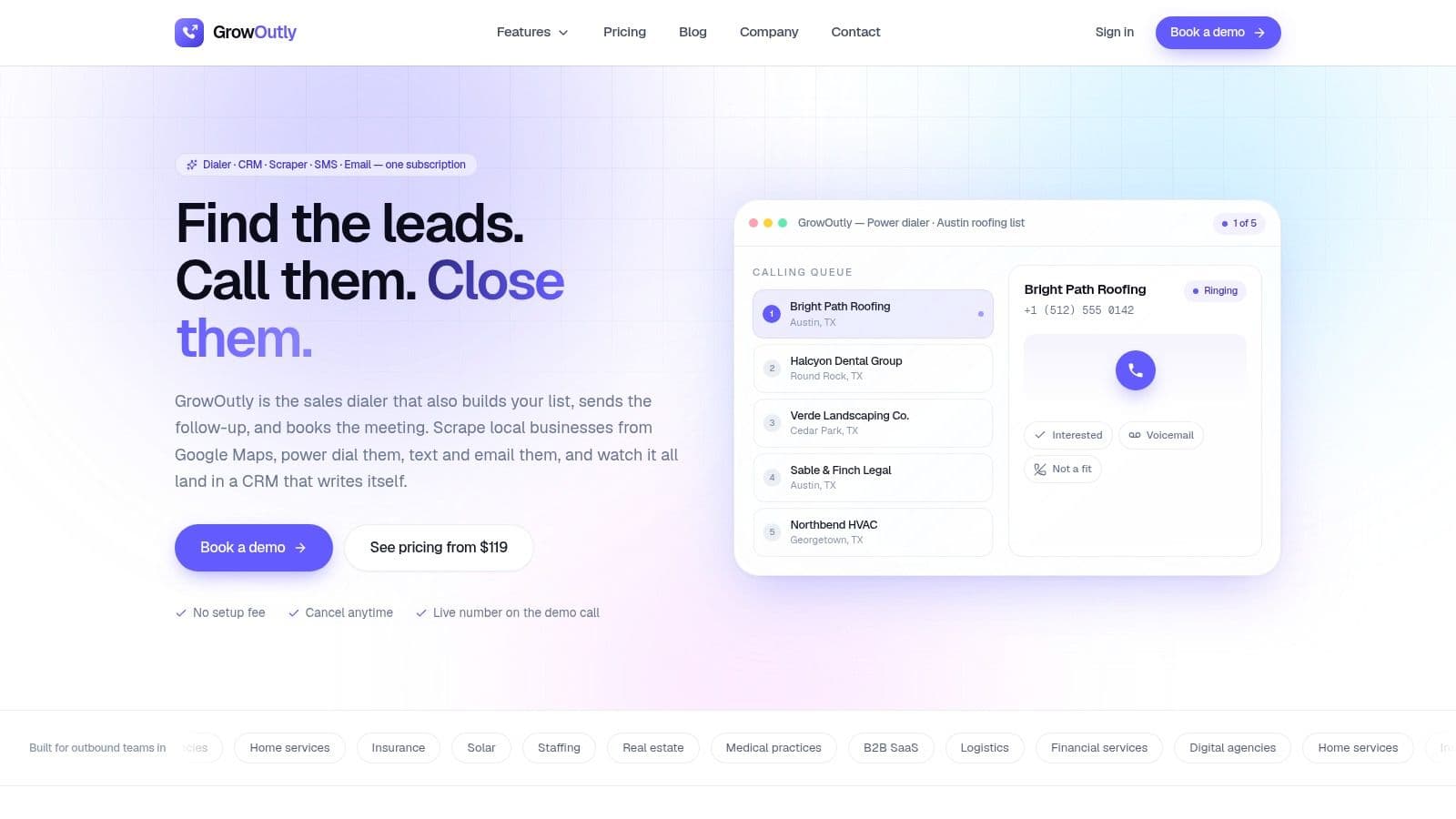
GrowOutly fits teams that want outbound work in one operating flow rather than across separate tools. Reps can source leads, dedupe them against the CRM, dial from a queue, send SMS and MMS from the same numbers, and book meetings while the call is still live. For territory-based teams, that reduces the usual handoffs between list prep, dialing, and scheduling.
Why it fits mixed outbound motions
The platform combines a queue-based power dialer, local presence caller ID, voicemail drop, call recording, inbound routing, IVR, two-way SMS and MMS, email sequences, a built-in CRM, and live Google Calendar booking in one workspace. That mix matters because the same system can support a sales pod that needs speed, a local services team that needs quick follow-up, and an operation that still has to route inbound calls without forcing reps into another app.
If the dialing mode itself is the part you're still weighing, the mechanics matter more than the label. What a power dialer is and how it works walks through the sequential call loop, the branch logic behind each outcome, and where it differs from predictive pacing. For the direct comparison, power dialer vs predictive dialer weighs throughput against abandonment risk and rep control, which is the trade-off behind most of the mode choices in this list.
GrowOutly also advertises 99.95% uptime, 12k+ sales teams, and reported outcomes like 3.4x more conversations per rep on its product page, so the pitch is clearly aimed at teams that want a single platform to absorb more of the workflow. The practical question is whether that breadth matches the team size and process depth. A smaller group that only needs aggressive dialing may not use the full stack, while a team that depends on outreach plus booking can use more of it day to day. Those figures are presented on GrowOutly, which is enough to show the platform's positioning without treating the claims as independent benchmarks.
The strongest operational advantage is the path from territory sourcing to first dial. GrowOutly's native Google Maps lead scraping, paired with CRM de-duplication, is built for teams that need fresh local lists without handing list hygiene to ops. It also includes an automated TCPA and DNC compliance gate that checks national and 50-state lists, curfew rules, and telemarketing litigator suppression before the call or text goes out, which matters because dialing systems need to stop bad records before they reach the queue, as outlined in TCPA compliance guidance for dialers.
Practical rule: if reps spend too much time preparing lists, logging notes, and chasing bookings, one subscription that handles those steps can be more useful than a feature-heavy dialer with extra admin work.
Pricing and operating trade-offs
GrowOutly's pricing is unusually clear for this category. The Base plan is $119/month, the Pro plan is $319/month, and the Essentials plan is $819/month, with custom enterprise pricing beyond that. Each plan scales by usage caps like calling minutes, SMS, numbers, users, and emails, so the trade-off is straightforward. Entry-level buyers get pricing visibility, while high-volume teams need to watch consumption closely or move into custom pricing.
Watch the limits: usage-based bundles are easy to understand, but they can become restrictive if daily outreach volume grows faster than the included capacity.
For outbound teams in B2B SaaS, agencies, staffing, insurance, solar, or home services, GrowOutly is less about feature volume and more about removing handoffs. If the workflow depends on fast territory sourcing, live booking, and a compliance gate that acts before contact is attempted, it is a coherent fit.
2. Five9
Five9 is the classic enterprise answer when the outbound motion has to live inside a mature contact center program. It has predictive, power, and progressive dialing, plus call progress analysis, DNC avoidance, IVR, ACD, call recording, and a desktop designed for agents who already work in a managed environment. That makes it a sensible fit for teams that want the outbound side to feel native to broader service operations rather than bolted onto sales software.
The differentiator is not just dialing speed, it's the admin depth around campaigns, pacing, and reporting. Enterprise buyers usually choose Five9 when they need mature governance and a large support ecosystem, not when they want the quickest path to a single team's first campaign. That matters in regulated outreach because compliance controls have to be embedded into campaign setup, not patched in after a problem surfaces.
Five9's outbound and compliance posture is easiest to compare against focused sales dialers when the organization has strict list rules, multiple seat types, or heavier reporting expectations. The platform's quote-based model also signals the usual enterprise trade-off, you're buying scale and support, but you're giving up pricing clarity.
Best fit and limitations
Five9 makes the most sense for larger teams that need reliable predictive pacing, broad integrations, and more formal administration. It's less attractive for small outbound pods that just need a fast, lightweight sales engine, because the setup and commercial structure can feel like more process than they need.
Best practice: if you're evaluating Five9, test campaign setup, reporting granularity, and compliance configuration before you look at dialing speed. Those are the parts that determine whether the platform actually fits your operation.
Website: Five9
3. NICE CXone Personal Connection and SmartReach
NICE CXone is built for organizations that want outbound to sit inside a broader proactive engagement stack. Personal Connection gives you predictive, power, and preview dialing, while SmartReach adds compliance controls for TCPA, CFPB, and state-level rules. That combination is a strong signal that NICE is aimed at teams where outbound work is not isolated sales activity, but part of a larger regulated engagement model.
The practical value here is orchestration. NICE pairs dialing with blended omnichannel engagement and workforce engagement management, so the platform suits teams that need to coordinate calling, analytics, and agent performance in the same environment. If your leaders care as much about QA, call review, and multi-channel discipline as they do about connect rates, NICE is closer to a control tower than a standalone dialer.
Pricing is sales-led, and that's not a small detail. Once pricing is quote-based, buyers need to compare the package carefully against the functions they'll use, because enterprise suites often bundle more than the team needs. That can be a good deal for regulated, multi-team operations, but it can also bury a simple outbound use case under a larger contract.
Where it wins
NICE is strongest when compliance, governance, and multi-channel engagement have to be designed into the workflow from the start. It's a better fit for regulated, high-volume outreach than for a small team that just wants a clean dialer and CRM sync.
Practical rule: buy NICE when outbound is part of a broader engagement program, not when you only need rep productivity.
Website: NICE CXone
4. Genesys Cloud CX

Genesys Cloud CX is one of the clearest examples of a platform that thinks in terms of operating systems, not isolated outbound features. It supports preview, power, predictive, and agentless dialing, with answering-machine detection and call progress analysis options, which gives enterprise teams room to match the dialer to the campaign rather than forcing every team into one mode. For global organizations, that flexibility matters because campaign types vary by region, intent, and agent maturity.
The stronger argument for Genesys is the wider CX stack around the dialer. Its AI, routing, and omnichannel capabilities make sense when outbound prospecting, service follow-up, and customer communication share the same environment. That is exactly where many enterprise teams end up, especially once leaders want to standardize reporting and conversation history across channels.
The downside is also clear. Predictive dialing is typically most efficient with larger agent pools, so very small teams may not get the same value from the platform's more advanced motion. Cost and availability also tend to depend on tiering and quotes, which is normal for this class of software but still worth pressing on during procurement.
What to verify before rollout
- Dialing mode fit: confirm which campaigns should use preview, power, predictive, or agentless.
- Integration depth: check whether CRM and data workflows are native or heavily configured.
- Admin effort: ask how much work goes into setup, permissioning, and reporting.
- Scale assumptions: make sure the outbound workflow matches your actual team size, not the vendor demo.
Website: Genesys Cloud CX
5. Talkdesk Dialer
Talkdesk Dialer makes sense for buyers who want outbound inside a broader customer experience platform without stitching together too many separate products. It offers predictive and preview dialing, AI-assisted answering-machine detection, agentless voice, SMS, and email campaigns, plus analytics through Talkdesk Explore. That gives leaders a single place to watch proactive work and compare campaign behavior across channels.
The most useful thing about Talkdesk is its integration across the rest of the CX Cloud stack. When a platform keeps analytics, campaigns, and agent workflows close together, managers spend less time reconstructing what happened and more time improving the next campaign. Frequent product updates also suggest an active roadmap, which matters if your team wants the platform to keep pace with changing outbound motions.
The limitation is plan gating. Predictive dialing is restricted for some customers to the Advanced Dialer, so buyers need to confirm which tier includes the mode they're planning to use. That's a common enterprise trap, the brochure sounds broad, but the operational feature sits one level higher than expected.
Website: Talkdesk
6. Dialpad Ai Sales
Dialpad Ai Sales is a sales-first option for teams that care about conversation quality as much as call volume. It includes power dialing, click-to-call, live transcription, AI scorecards, coaching, QA, and call, SMS, and email workflow integrations. That makes it a strong choice for managers who want to coach in real time instead of reviewing calls after the fact.
The biggest advantage is the intelligence layer around the call. Live transcription and AI-assisted coaching are useful when reps need to learn from actual conversations, not just from pipeline outcomes. For SMB and mid-market teams, that can be more valuable than a heavier contact center package with more routing machinery than they'll ever use.
Dialpad's challenge is pricing visibility. Seat pricing and some Sell tier details are sales-led, and feature availability varies by tier, so buyers need to confirm exactly what's included before they commit. That doesn't make it a bad option, it just means the procurement step matters more than the landing page.
Website: Dialpad
7. Aircall
Aircall is a practical SMB choice when the team wants a phone system first and a dialer second. Its Power Dialer and Salesforce CTI are available on the Professional plan, and it also includes voicemail drop, outbound campaign tooling, and a large integrations marketplace. That combination makes rollout relatively straightforward for teams that already live in Salesforce, HubSpot, or helpdesk tools and want calling to feel embedded without a heavy CCaaS implementation.
The appeal is deployment speed. Aircall is easier to stand up than enterprise platforms, and its app ecosystem reduces the chance that a team has to rebuild all of its daily workflows from scratch. That said, Aircall is not the cheapest path once you add numbers and minutes, and the Power Dialer is not available on the entry plan.
Its biggest operational fit is for teams that value simplicity and fast adoption more than advanced routing logic. Some users report mixed call-quality experiences, so buyers should test real call paths, not just the demo environment, before standardizing on it.
Website: Aircall
8. CloudTalk
CloudTalk is one of the better examples of a dialer that tries to keep setup manageable while still offering serious outbound functionality. It includes Power Dialer access on higher tiers or as an add-on, Parallel Dialing configurable up to 10 lines per rep, AI summaries, CRM integrations, and a compliance posture that includes SOC 2, ISO 27001, GDPR, and CCPA. That combination makes it a strong SMB and mid-market candidate for teams that want better speed without jumping straight into a heavyweight enterprise suite.
The parallel-dialing option is what changes the operating conversation. Some teams need a single-line pace, while others want a more aggressive outbound rhythm, and CloudTalk gives buyers both concepts in one platform. That's useful if you're running mixed programs and want to tune the workflow by campaign rather than forcing every rep into the same cadence.
Pricing is positioned more transparently than many enterprise tools, but advanced functions still sit behind tiers and add-ons. That's a reasonable trade-off if the core team wants quick setup and a predictable package, but it does mean procurement has to check each feature line carefully.
Buy for motion, not just for menu breadth. CloudTalk makes sense when you want flexibility in dialing style and don't want implementation to become a project.
Website: CloudTalk
9. Kixie PowerCall and SMS
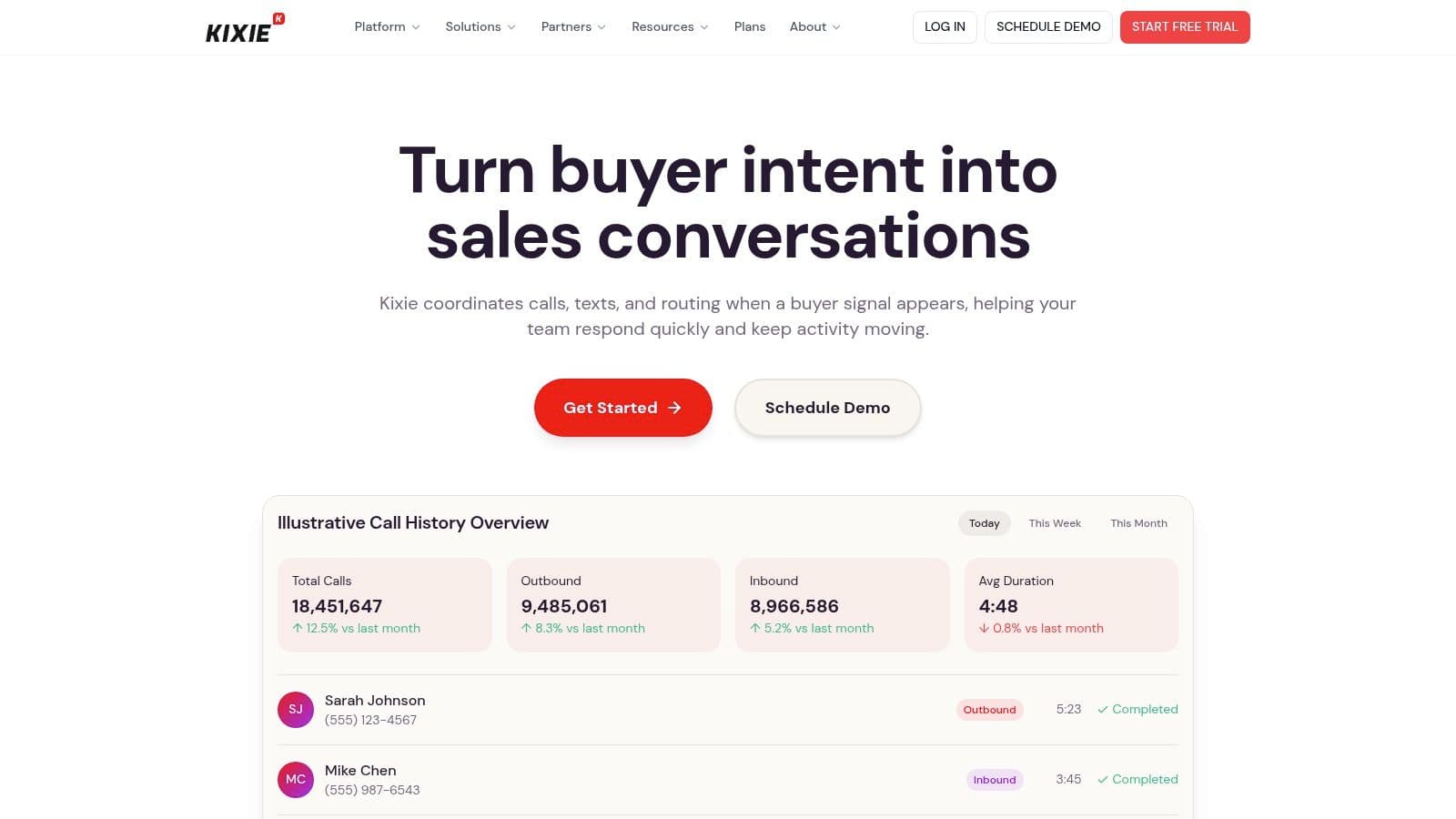
Kixie is built for outbound sales teams that live inside CRM workflows and care about pickup rates. It combines multi-line outbound dialing, one-click local presence, ConnectionBoost local presence pool management, voicemail drop, a Chrome dialer, mobile app support, and SMS and MMS in the same workflow. That makes it especially useful for teams that want more conversations without introducing a heavier contact center stack.
The biggest practical benefit is CRM logging. If reps already spend their day in Salesforce or another major CRM, Kixie keeps the logging loop tight, which reduces missed notes and weak follow-up. It's also one of the more explicitly sales-focused tools in the list, so it feels closer to a revenue engine than a general-purpose calling platform.
Pricing is quote-only as of 2026, which is a commercial downside for buyers who want to compare options quickly. Some buyers also report strict billing terms, so contract review matters. The local-presence angle is worth testing, but it should be treated as a tactic, not a promise. Field data on local presence has shown conflicting results, with one test reporting a lift and another analysis finding no statistically significant difference, so the answer is to validate pickup rates in your own market rather than assume the feature will solve answer-rate problems on its own.
If local presence is a real reason a platform is on your shortlist, test the number strategy before the feature list. Our guide to USA area code 832 walks through what an overlay prefix can and cannot prove, and what a local-presence line has to do — answer, route, return the callback — before it earns the pickup it is buying.
Use the SMS workflow carefully, because compliance still matters even when the tooling is convenient. Kixie's messaging should be paired with a disciplined opt-out process, not used as an excuse to skip governance, and its SMS workflow is best reviewed alongside GrowOutly's SMS workflow guidance if you're comparing how texting supports outbound follow-up.
Website: Kixie
10. PhoneBurner
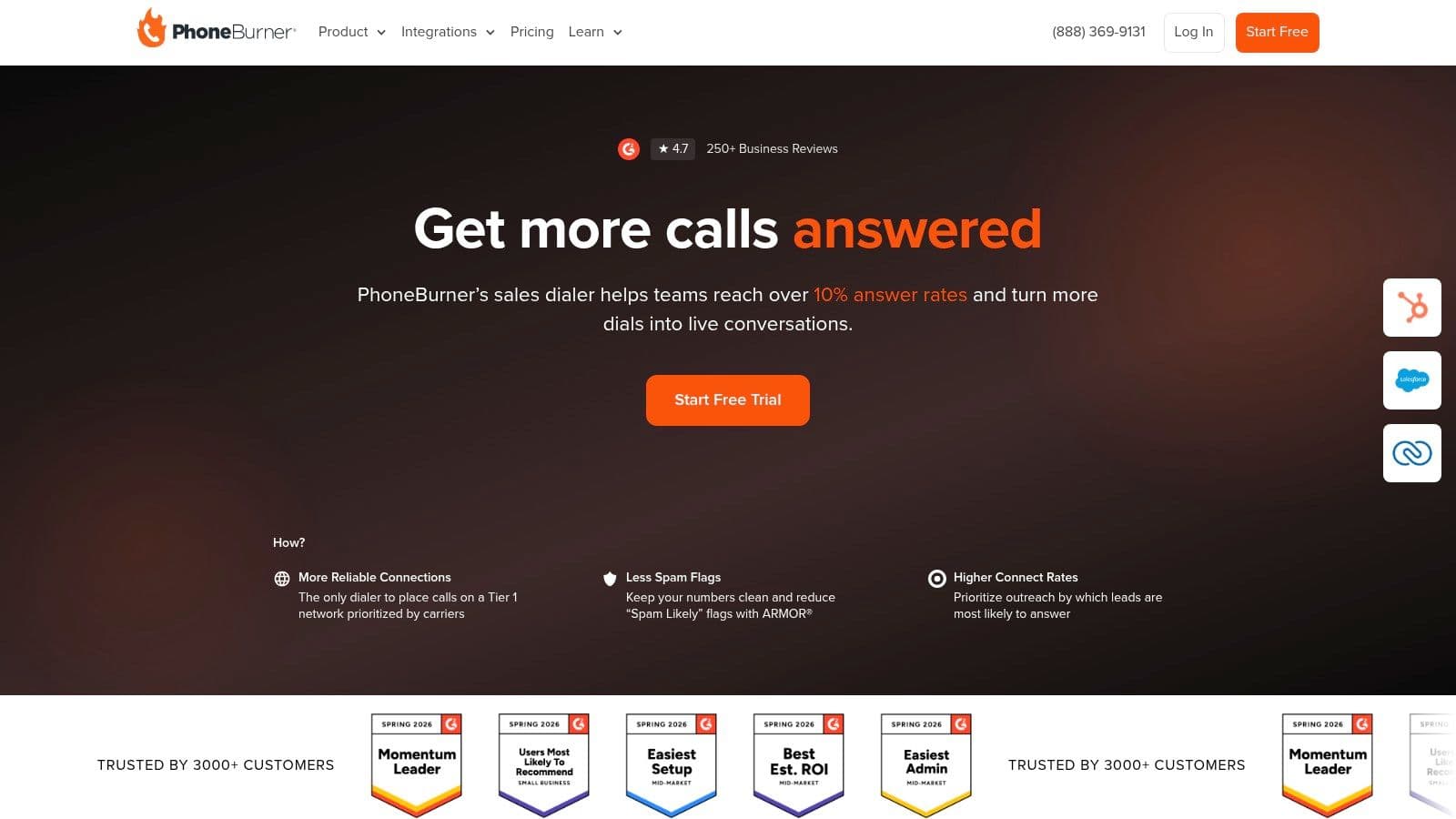
PhoneBurner has stayed relevant because it does the core outbound job without trying to become a giant platform. It offers power and preview dialing, one-click voicemail drop, automated post-call dispositions and actions, local ID, call recording, analytics, and integrations with Salesforce, HubSpot, and other CRMs. For focused sales teams, that combination is often enough, and the rollout burden is usually much lower than with a full CCaaS deployment.
The appeal is simple. Reps can move through lists quickly, managers can see follow-up behavior, and CRM data stays cleaner than it would with manual dialing. That makes PhoneBurner a good match for teams that want a straightforward productivity layer, not a full contact-center architecture.
The trade-off is equally clear. It has fewer workforce management and QA features than a large enterprise suite, and pricing visibility can vary by region. Buyers who need deep routing, broader omnichannel orchestration, or a heavy compliance admin layer may outgrow it faster than they expect.
For teams wanting a leaner outbound motion, its workflow focus is hard to beat. If your priority is getting reps live on calls and reducing post-call friction, PhoneBurner is one of the cleanest execution-first tools in the category. Pairing it with GrowOutly's outgoing calls workflow is a useful way to compare how much admin automation you need in a sales floor environment.
Website: PhoneBurner
Top 10 Outbound Call Center Software Comparison
| Product | Core features | UX & reliability | Price / value | Best for |
|---|---|---|---|---|
| GrowOutly | Queue power dialer, inbound routing, SMS/MMS, email sequences, Google Maps scraper, built-in CRM, live Google Calendar booking | ★★★★☆ — 99.95% uptime, scrape to first dial in about 48 seconds | From $119/mo, usage-based scaling | Territory and outbound teams that want native Maps scraping, a pre-dial TCPA/DNC gate, and booking in the same workspace |
| Five9 | Predictive, power and progressive dialing, IVR/ACD, call recording, DNC avoidance, advanced reporting | ★★★★★ — enterprise-grade | Quote-based | Large contact centers that need mature administration, scale and a deep integration ecosystem |
| NICE CXone | Predictive, power and preview dialing, SmartReach compliance, workforce engagement, analytics | ★★★★★ — strong compliance controls | Quote-based | Regulated, high-volume outreach needing TCPA, CFPB and state-level controls |
| Genesys Cloud CX | Preview, power, predictive and agentless dialing, AI routing, omnichannel, analytics | ★★★★★ — global reliability | Tiered or quote-based | Enterprises standardizing customer experience across an integrated CX and AI stack |
| Talkdesk Dialer | Predictive and preview dialing, AI answering-machine detection, agentless campaigns, Explore analytics | ★★★★☆ — active release cadence | Quote-based, predictive gated to Advanced Dialer | Mid-market to large CX teams that lead with analytics and integrations |
| Dialpad Ai Sales | Power dialing, click-to-call, live transcription, AI coaching, SMS and email workflows | ★★★★☆ — strong conversation intelligence | Per seat, sales-led | SMB and mid-market sales teams that want real-time AI coaching and scorecards |
| Aircall | Power Dialer, voicemail drop, outbound campaigns, large integrations marketplace | ★★★★☆ — quick to deploy | Mid-tier plans, dialer on Professional and up | SMB outbound teams already living in Salesforce, HubSpot or a helpdesk |
| CloudTalk | Power and parallel dialers, local numbers, AI summaries, CRM integrations | ★★★★☆ — SMB-friendly setup | Transparent plans with add-ons | SMB sales teams that want parallel dialing without an enterprise rollout |
| Kixie PowerCall & SMS | Multi-line dialing, ConnectionBoost local presence, voicemail drop, CRM logging | ★★★★☆ — local presence focus | Quote-only, per seat | Outbound reps who live in the CRM and optimize for pickup rates |
| PhoneBurner | Power and preview dialing, one-click voicemail drop, post-call automation, CRM integrations | ★★★★☆ — high throughput | Per-user plans, SMB-friendly | Focused outbound reps who want productivity gains without a CCaaS project |
Turn the Shortlist Into a Safe Decision
The fastest way to choose outbound call center software is to define the dialing mode and agent workflow first, then work backward into the stack. A team running regulated prospecting has different needs from a sales pod that wants speed and CRM logging, and those differences should decide whether you buy a CCaaS suite or a focused dialer. Once the workflow is clear, estimate calling, messaging, and email volume, because plan limits, add-ons, and quote-based bundles change the actual price more than the landing page does.
After that, verify CRM and routing requirements in the context of real operations. Ask how call outcomes sync, how dispositions are stored, how inbound calls get routed, and how calendar or follow-up actions are triggered after a conversation. If the vendor offers compliance controls, test them against your actual list logic, including consent capture, DNC suppression, time-of-day restrictions, opt-out handling, and caller-ID management, because those details matter more now that outbound teams face stricter operational proof requirements and more reputation filtering on the carrier side, as noted in current TCPA and deliverability guidance from the FTC and related industry coverage.
The best rollout process is gradual. Launch with a pilot campaign, review call recordings and dispositions, and check whether number management, local presence, and pacing improve live conversations in your market. Keep a close eye on usage against plan limits, especially when the model is usage-based or tier-gated, because a cheap entry price can turn into an expensive operating pattern if volume grows faster than expected.
This list stays on the outbound motion. If inbound queues have to work just as well, our comparison of 10 inbound call routing software options covers IVR intent capture, skills and queue logic, availability rules, and the failover path most buyers never test.
Recording is where the review side of that stack lives, and it carries its own governance questions. Our comparison of 10 call recording software options covers retention rules, transcript permissions, audit trails, and the eleven states that require all-party consent.
Best practice is simple, but easy to skip. Use documented dispositions, review call quality regularly, enforce consent and DNC governance before every campaign, and don't expand too quickly until the first campaign proves the workflow is stable. If you need the rules those controls are meant to satisfy, what TCPA compliance is sets out the consent standards, channel-specific requirements, and revocation handling a platform has to support. If a platform can't keep list quality clean, protect compliance, and support the rep motion without friction, it's not the right platform, no matter how many features it advertises.
List quality is usually decided upstream of the dialer, though. If the records themselves are the weak link, the fix belongs in the data layer, and our comparison of 10 B2B prospecting tools covers the sourcing, enrichment, and verification side that feeds everything reviewed here.
This list is also vendor-neutral by vertical. Teams working listing data have a separate category to compare, which our rundown of 10 auto dialer for real estate tools covers, from REDX and Vulcan7 through to the multi-line investor dialers.
This list is deliberately outbound-first. If the phone system also has to carry inbound queues, internal calling, devices, or company-wide messaging, the shortlist changes shape, and our comparison of 10 business calling software platforms scores that wider field on routing depth, SMS, CRM logging, and the usage costs a published seat price leaves out.
Software only decides how many conversations a rep gets. What happens inside those conversations still comes down to execution, so pair the shortlist with the close sales techniques that turn a live call into a booked next step rather than another entry in the follow-up queue.
It's also worth deciding how much of the workflow you want one vendor to own before the demos start. What a sales engagement platform is covers the consolidation question directly — calling, sequencing, messaging, booking, and reporting on one record versus a dialer bolted onto three other tools — and the 7 top sales engagement platforms names the products worth shortlisting once you have decided how much the vendor should own.
GrowOutly is built for outbound teams that want dialing, lead sourcing, messaging, email, CRM, and booking in one cloud workspace. If your shortlist is really about faster rep conversations, tighter compliance, and less tool switching, visit GrowOutly and compare its workflow against the rest of the category.
Composed with Outrank tool